
LeadCRM
Simplifying LinkedIn Lead Management, Empowering Sales Success.
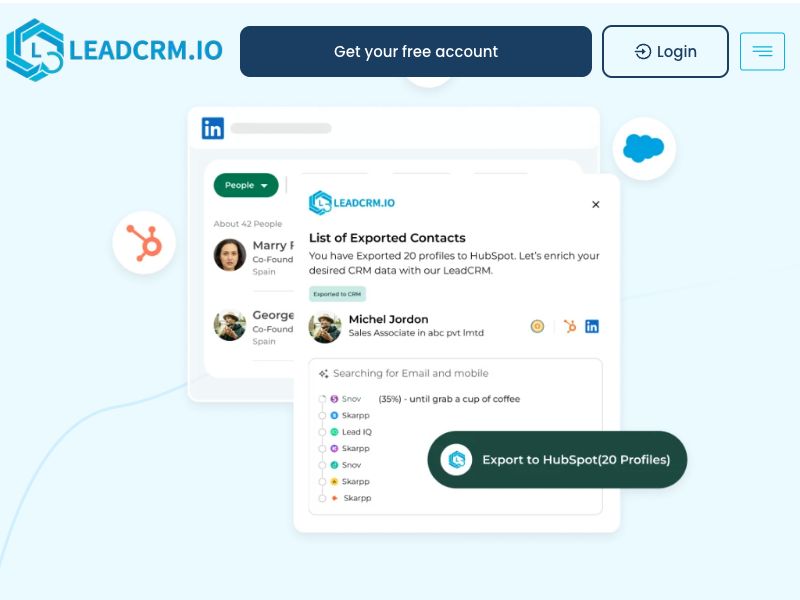
LeadCRM is the ultimate Chrome extension for LinkedIn, built to simplify lead management and streamline your sales workflow. With robust integrations to leading CRMs such as HubSpot, Pipedrive, Salesforce, and Zoho, it empowers professionals to connect LinkedIn directly to their CRM and manage leads more efficiently.
Key Features and Benefits:
Seamless CRM Integrations:
Effortlessly connect LinkedIn with popular CRMs like HubSpot, Pipedrive, Salesforce, and Zoho.
Automate lead syncing to save time and reduce manual errors.
Smart Lead Management:
Collect, organize, and track leads directly from LinkedIn.
Export contact information with a single click.
Enhanced Productivity:
View and manage LinkedIn conversations directly in your CRM.
Leverage powerful tools to prioritize and follow up with leads effectively.
User-Friendly Interface:
Simple, intuitive design tailored for professionals.
Easy setup and seamless integration with your existing tools.
Customizable Workflows:
Create custom workflows that suit your sales process.
Automate routine tasks and focus on closing deals.
Secure Data Handling:
Advanced encryption ensures your data is always safe.
Compliant with privacy and data security regulations.
Why Choose LeadCRM?
Boost Efficiency: Spend less time on data entry and more on building relationships.
All-in-One Solution: Consolidate your tools to streamline your workflow.
Scalable: Whether you’re an individual contributor or part of a sales team, LeadCRM adapts to your needs.
Revolutionize your LinkedIn lead management today with LeadCRM and experience effortless CRM
More products
Find products similar to LeadCRM
 71
71TuCanChat
Translate text, voice, and video messages without leaving.
 155
155AI-Quant Studio
Automating Trading Strategies Without Code
 1
1item
The AI CRM that actually does the work
 149
149Listening4
Artificial Intelligence
 75
75Zoidii
Simple, powerful CMMS for smarter maintenance
 59
59Linkto
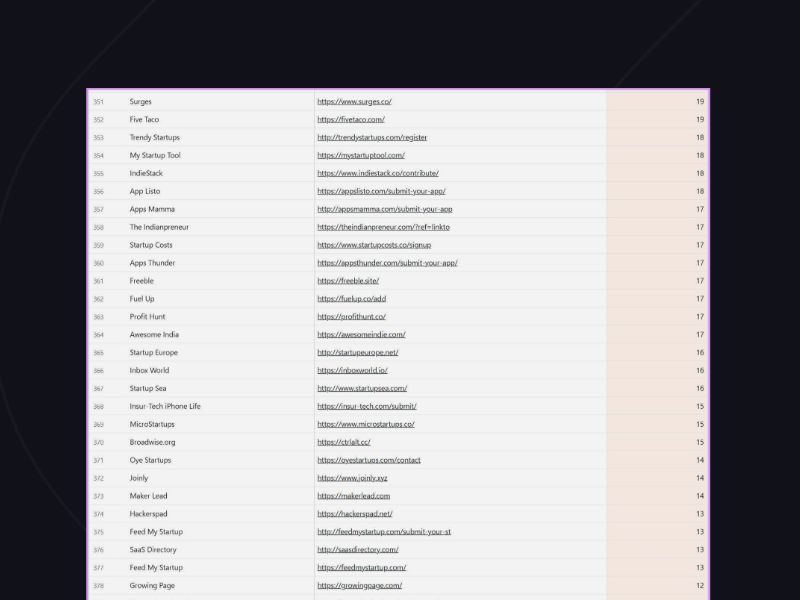
FREE List of 800+ SaaS Directories and 75+ Launch Sites