










Great to be here! For my product, I have just shipped the ability to comment and reply when you get it.
Best Travel Apps in 2026
Plan your next adventure with these innovative travel tools that help you navigate, organize, and make the most of your trips. Browse 69 travel apps from indie makers and solo founders, ranked by upvotes.
That’s every product in this category, ranked. See the latest launches, or submit your own product.
About travel apps
Travel apps on Awesome Indie help people plan trips and find good places once they arrive. TravelToWith suggests activities and hotels for families, couples or solo travelers, Workmode finds cafes to work from, Femente locates wineries nearby and Cafe Shanghai explores cafes in one city by swiping and browsing a map. Lifestyle, maps, nomad and remote work are the neighbouring categories, while moving goods or running a fleet belongs to transportation.
Travel apps differ mostly in coverage and in whose taste they reflect. A product built for one city can be far more accurate than a worldwide directory, but it only helps there. Check how listings are sourced, whether they are kept up to date and whether reviews come from real visitors. For planning tools, see whether you can save places offline, share trips with companions and export an itinerary. Watch for affiliate links, which are not wrong but should be disclosed. Location sharing deserves a look at the privacy policy.
Indie makers usually build for places and styles of travel they know well, so recommendations feel personal instead of generic. You can often message them with a suggestion for your own destination. Products are reviewed before they launch, and the order of the list depends only on community upvotes.
Frequently asked questions
How do I pick a travel app?
Check coverage of your destination, how recent the listings are, offline access and sharing. Niche apps built around one city or interest are often more accurate than broad directories.
Do these apps help remote workers and digital nomads?
Some do, including tools for finding workspaces and cafes. Nomad and remote work categories hold more tools for visas, cost of living and community.
Are travel recommendations from small apps reliable?
Look at how they source places and whether reviews are from real visitors. Cross-check a few entries against another source, and note any affiliate relationships the app discloses.
Login streak
Community
See allI'm building https://pickode.com, a browser extension that copies a section of any website as code you'd actually keep. It started from something I kept doing on client work. I'd find a section I liked, open DevTools, copy the styles, and end up with a wall of computed pixels and not a single media query. Pickode reads the page's original stylesheets instead, so you get the rules the author wrote, breakpoints and hover states included. You click a section and pick a format: HTML + CSS, React, Tailwind, Vue or Astro. It also pastes into Bricks and Webflow as native elements, and builds Elementor templates. Lately I've been reworking the Bricks export. A tester on Reddit sent me a page that looked fine on desktop and fell apart on mobile, and fixing it taught me more about how Elementor handles responsive layouts than I ever wanted to know. It's free to try on Chrome and Firefox.
Some of the projects I've been working on include: 📱 NotLate – A wellness app designed to help with overthinking and restless nights. 💰 ZapSpend – An expense tracker with receipt scanning, voice input, and CSV/PDF exports. 🚛 Trucker Diary – An iOS app built for truck drivers. 🎵 Duo Vinyl – A digital vinyl turntable experience for music lovers. As a solo developer, one of my biggest challenges isn't just building products. It's getting them discovered, attracting users, and figuring out what actually works after launch. 🌐 https://www.adribyte-studio.com/mobile-apps #IndieHacker #IndieDeveloper #iOSDevelopment #SaaS #Startup
Who to follow
See all- Dmitry Bruso

14 followers
- Alex Dabek

14 followers
- Alberto Carmona

13 followers
- John Meyer

12 followers
- Celine Di Biase

6 followers
- Daniel Notthoff

2 followers
Latest comments
See allI really enjoyed the characters and the ability to create your own makes the app feel more personal
onAfterLid1like
Maker here 👋 New: every @fuck.it user now gets a free link-in-bio page at fuck.it/@username. Like Linktree, but on the same name as your inbox. No extra subscription, no tracking pixels. Happy to answer any questions!
on@fuck.it
Sponsors
Just joined
See all- 卜代文
Joined
- Morse Zone
Joined
- chengshu chen
Joined
- Content Aware Scale
Joined
- 廖志超
Joined
- Kai Morgan

Joined
Latest posts
See allWhy every PixelKaro tool runs in your browser
ViralCloner Requirements and Installer Steps ViralCloner documentation lists Windows 10/11 (64-bit), at least 4 GB RAM, 500 MB free space, and internet access. Install by running the setup file and following the wizard. https://viralcloner.com/documentation
Put refund information somewhere a customer can find after checkout. The product page can explain the offer; the policy page can keep what happens after a charge and where to get help in one place. This is the current ViralCloner policy page: https://viralcloner.com/refund

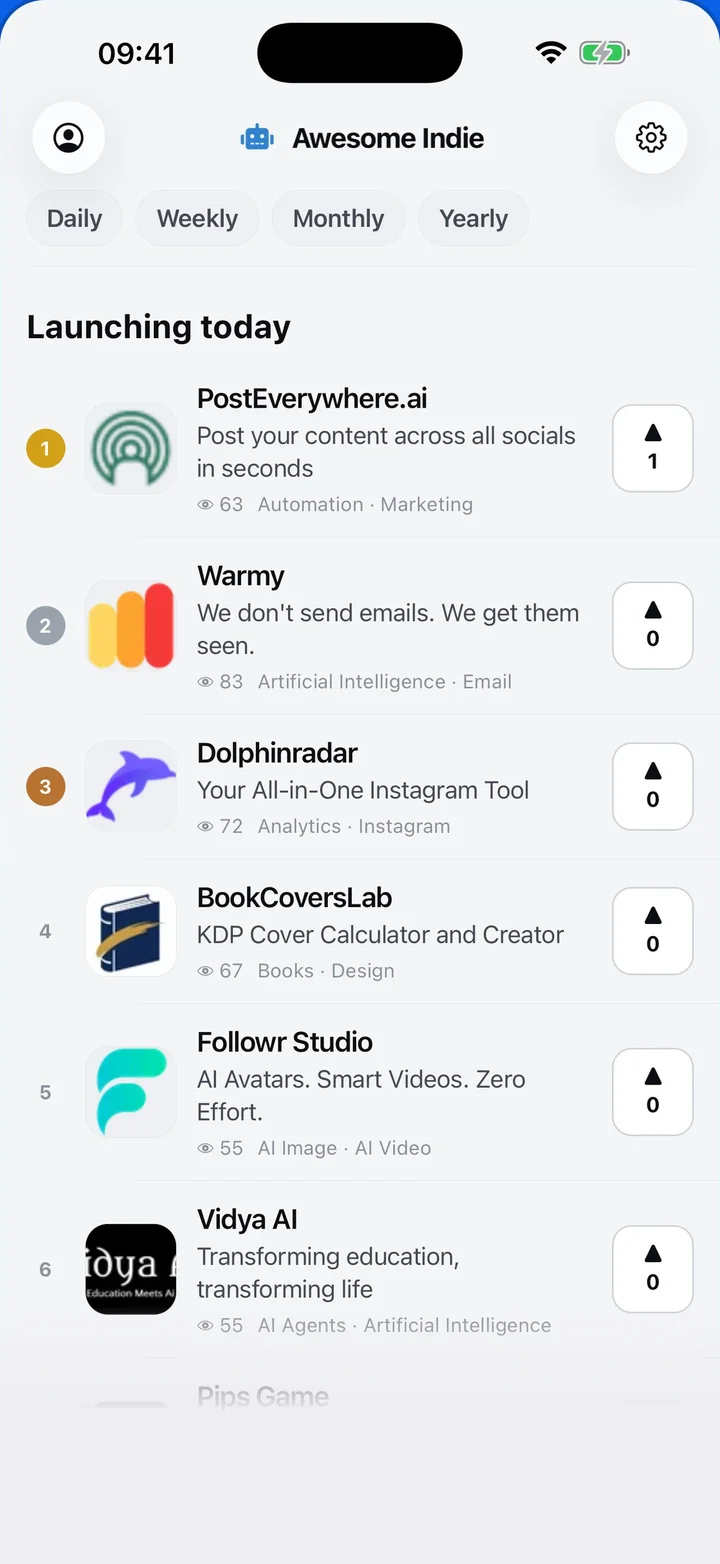
Awesome Indie
Free on iPhone and Android
Today's launches, in your pocket
Upvote, comment and follow with the account you already have.
Categories
Browse all- Daily
- Weekly
- Monthly
- Yearly
- Community
- Leaderboard
- Users
- Map
- Pricing
- App
- MCP
- Open Analytics
- Status
- About
- FAQ
- Terms
- Privacy
- Livro de Reclamações
© 2026 Awesome Indie