Some of the projects I've been working on include: 📱 NotLate – A wellness app designed to help with overthinking and restless nights. 💰 ZapSpend – An expense tracker with receipt scanning, voice input, and CSV/PDF exports. 🚛 Trucker Diary – An iOS app built for truck drivers. 🎵 Duo Vinyl – A digital vinyl turntable experience for music lovers. As a solo developer, one of my biggest challenges isn't just building products. It's getting them discovered, attracting users, and figuring out what actually works after launch. 🌐 https://www.adribyte-studio.com/mobile-apps #IndieHacker #IndieDeveloper #iOSDevelopment #SaaS #Startup
Best Accessibility Tools in 2026
Tools and resources that help make the web more inclusive and user-friendly for everyone. Browse 31 accessibility tools from indie makers and solo founders, ranked by upvotes.

Colour Contrast Checker
Check the contrast between different colour combinations against WCAG standards
3,207views

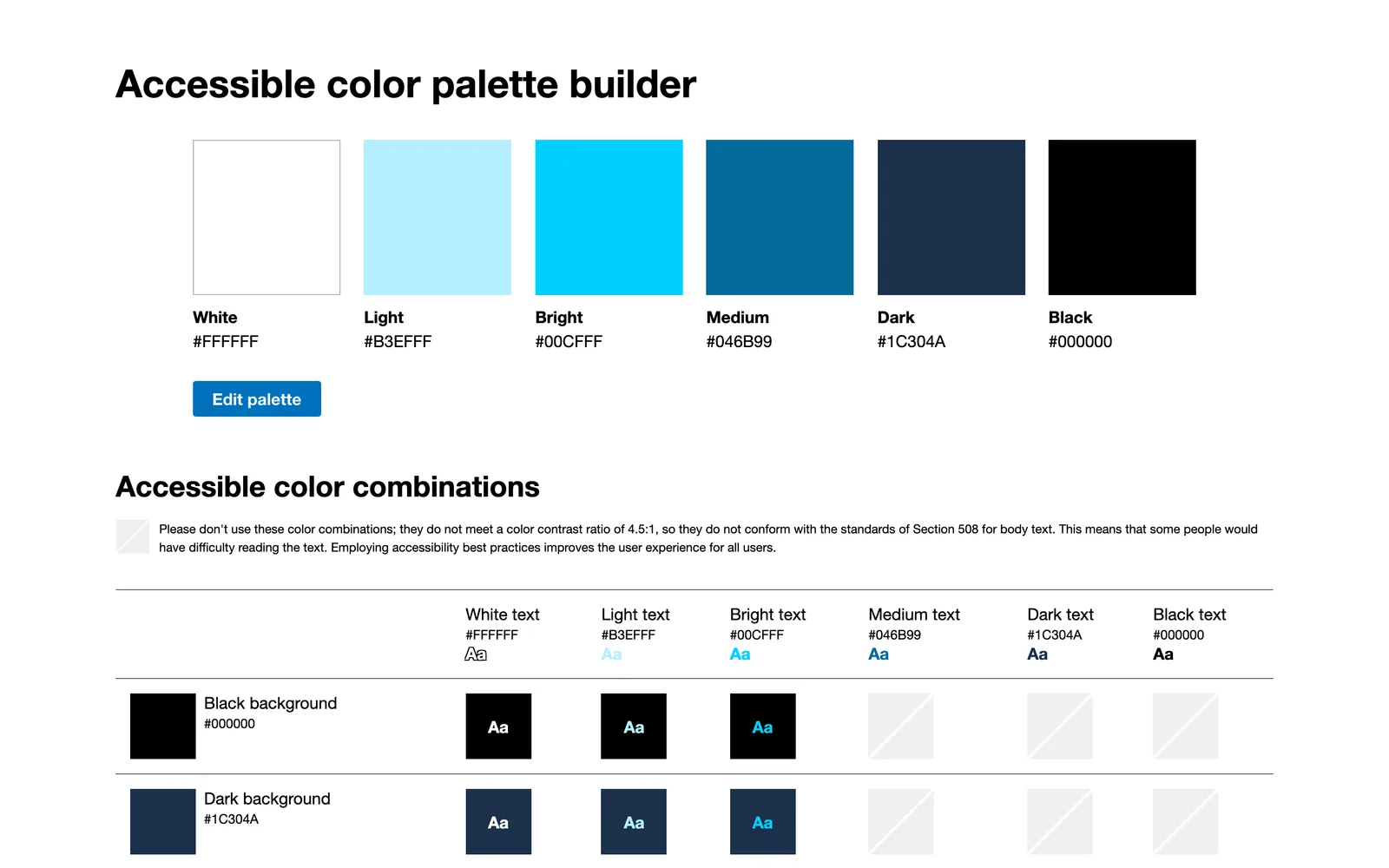
Accessible Color Palette Builder
Create color palettes that follow accessibility standards
2,756views
Color Contrast Checker
Analyses and suggests colors that meet the required contrast ratio
2,636views
Better Mobile Inputs
Experiment with different combinations of the related type and inputmode attributes
2,433views





Math Editor by SCD Company
MathEditor is a convenient, accessible, mobile-friendly editor.
860views
EnigmaEasel: AI Palette & Design Tool
AI-powered accessible color, gradient and font pairing generator
762views


That’s every product in this category, ranked. See the latest launches, or submit your own product.
About accessibility tools
Accessibility tools help people build and use the web in ways that work regardless of vision, hearing, motor ability or device. Here that mostly means contrast checkers, accessible color palette builders, dark mode plugins, audits for missing labels or keyboard traps, and resources for learning the standards. It sits close to developer tools, color and CSS tools, and it also touches privacy where assistive features handle personal data. Designers and front-end developers are the main users, along with site owners who need to meet a legal requirement.
Choosing well starts with what you are testing. A contrast checker answers one specific question quickly, while a site scanner covers many issues but catches only what can be detected automatically, which is a minority of real problems. Check which standard and level a tool reports against, whether it explains how to fix an issue rather than only flagging it, and whether it works in your stack, such as a WordPress plugin versus a browser tool. Free options exist for most single tasks, so paid plans should add something tangible like monitoring or team reports.
Small makers tend to build exactly the checker they wanted for their own projects, as with the color contrast tools and the palette builder listed here. That means simple interfaces and fast iteration. Treat any automated result as a starting point, and test with a keyboard and a screen reader as well.
Frequently asked questions
How do I check if my website is accessible?
Run an automated scan for the obvious issues, then test by hand: navigate with only a keyboard, zoom the text, check color contrast and try a screen reader. Automated tools find only part of the problems.
What contrast ratio do I need for text?
The common guideline asks for a ratio of at least four and a half to one for normal text and three to one for large text. A good contrast checker will tell you whether a pair of colors passes and suggest alternatives.
Are there free accessibility tools?
Yes, many. Contrast checkers, palette builders and basic page audits are often free. Paid tools usually add continuous monitoring, reports for clients or help with remediation. Start with a free tool and upgrade only if you need those extras.
Login streak
Community
See allHealthE AI helps you manage fitness and wellness with AI-driven calorie tracking, macro targets, and personalized workout recommendations. It lets you log meals by photo or text, then analyzes nutrition to set your caloric deficit and macronutrients based on goals like fat loss or muscle gain. HealthE AI also tracks hydration, offers a daily feed, and guides setup through a questionnaire so you can follow a focused plan and measure progress clearly. HealthE AI is coming soon!
Creator of Get4All, a CBox premium link generator focused on simplicity and convenience.
Who to follow
See all- Ugurcan Yildirim

18 followers
- Vlad Zhovtenko

17 followers
- Engin Ozer
16 followers
- Gloria W. Maldonado

13 followers
- Abhishek Jain
10 followers
- Rasmus Barslund

9 followers
Latest comments
See allI really enjoyed the characters and the ability to create your own makes the app feel more personal
onAfterLid1like
Maker here 👋 New: every @fuck.it user now gets a free link-in-bio page at fuck.it/@username. Like Linktree, but on the same name as your inbox. No extra subscription, no tracking pixels. Happy to answer any questions!
on@fuck.it
Sponsors
Just joined
See all- NotchNook team
Joined
- StampDr team
Joined
- DepthLogo team
Joined
- Ben Pires

Joined
- Jason Tang
Joined
Latest posts
See allGreat to be here! For my product, I have just shipped the ability to comment and reply when you get it.
I'm building https://pickode.com, a browser extension that copies a section of any website as code you'd actually keep. It started from something I kept doing on client work. I'd find a section I liked, open DevTools, copy the styles, and end up with a wall of computed pixels and not a single media query. Pickode reads the page's original stylesheets instead, so you get the rules the author wrote, breakpoints and hover states included. You click a section and pick a format: HTML + CSS, React, Tailwind, Vue or Astro. It also pastes into Bricks and Webflow as native elements, and builds Elementor templates. Lately I've been reworking the Bricks export. A tester on Reddit sent me a page that looked fine on desktop and fell apart on mobile, and fixing it taught me more about how Elementor handles responsive layouts than I ever wanted to know. It's free to try on Chrome and Firefox.
I'm Khizar, founder of PotatoTools. I built PotatoTools because I was frustrated with online tools that were full of ads, paywalls, and forced signups. PotatoTools focuses on fast, browser-based tools that help with data conversion, calculations, content creation, productivity, and everyday tasks. No ads. No signup. No unnecessary complexity. Just useful tools that work. We're just getting started and would love your feedback on what tools you'd like to see next. Thanks for checking it out! Visit Potato Tools : https://potatotools.com/

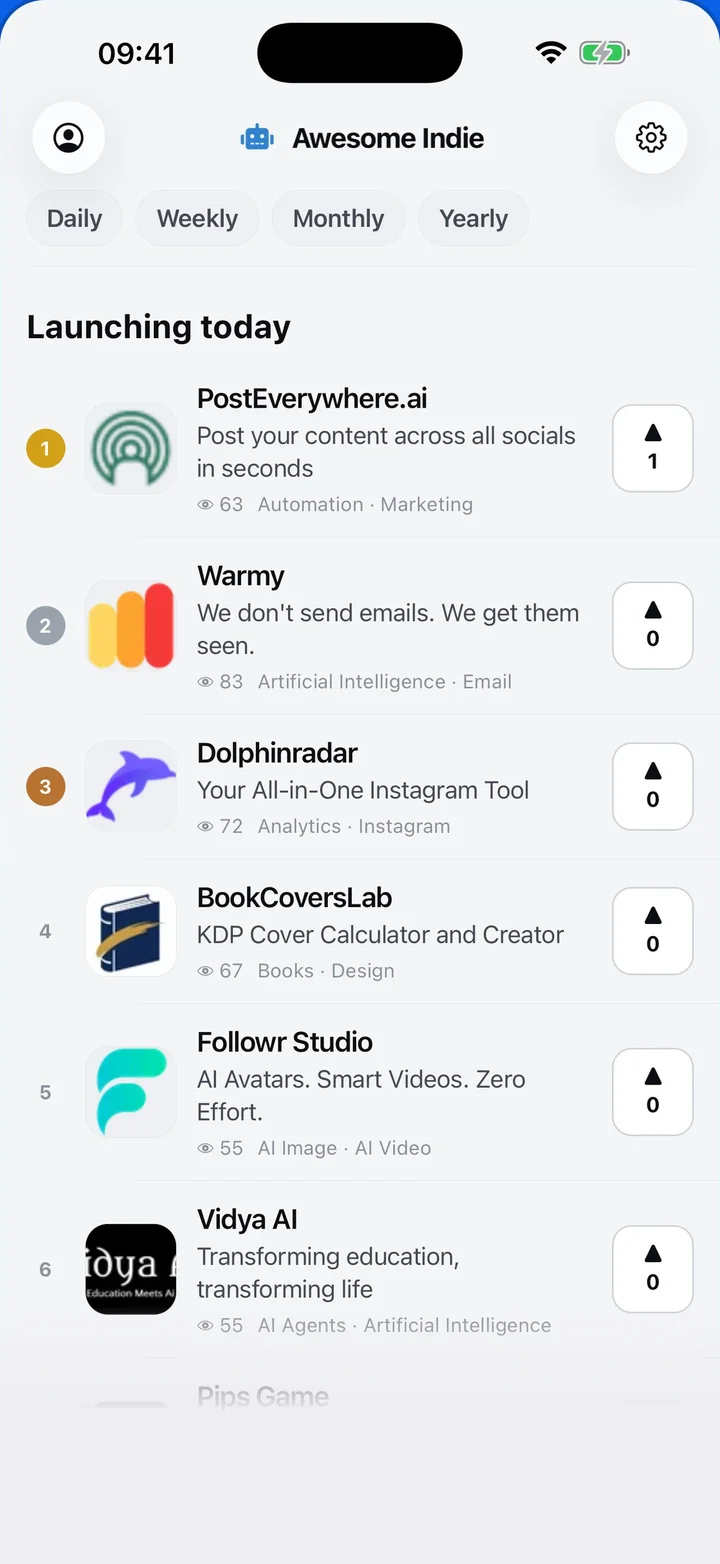
Awesome Indie
Free on iPhone and Android
Today's launches, in your pocket
Upvote, comment and follow with the account you already have.
Categories
Browse all- Daily
- Weekly
- Monthly
- Yearly
- Community
- Leaderboard
- Users
- Map
- Pricing
- App
- MCP
- Open Analytics
- Status
- About
- FAQ
- Terms
- Privacy
- Livro de Reclamações
© 2026 Awesome Indie