Some of the projects I've been working on include: 📱 NotLate – A wellness app designed to help with overthinking and restless nights. 💰 ZapSpend – An expense tracker with receipt scanning, voice input, and CSV/PDF exports. 🚛 Trucker Diary – An iOS app built for truck drivers. 🎵 Duo Vinyl – A digital vinyl turntable experience for music lovers. As a solo developer, one of my biggest challenges isn't just building products. It's getting them discovered, attracting users, and figuring out what actually works after launch. 🌐 https://www.adribyte-studio.com/mobile-apps #IndieHacker #IndieDeveloper #iOSDevelopment #SaaS #Startup
Best Developer Tools in 2026
Improve your coding workflow with a collection of innovative developer tools, designed to streamline your development process and boost productivity. Browse 497 developer tools from indie makers and solo founders, ranked by upvotes.








Mechasm.ai
Automate QA with plain English. No code, no setup, no flakiness.
1,335views

Colour Contrast Checker
Check the contrast between different colour combinations against WCAG standards
3,209views





That’s every product in this category, ranked. See the latest launches, or submit your own product.
About developer tools
Developer tools are the things programmers reach for while building software. The category is broad: LightningChart provides data visualization controls, Dashtera builds no-code dashboards for heavy data, SaaS Surf collects tools for developers and makers, and Textutil offers text utilities. Design, SaaS, analytics and no-code products all overlap here. If a tool is mostly about shipping and operating code, DevOps is the neighbour to check, and database tools cover storage clients and engines.
Because the category is wide, judge each tool against how you work. See whether it runs in the terminal, the browser or an editor, and whether it fits your language and framework. Check that it is scriptable or has an API, since tools that cannot be automated tend to get dropped. Look at licensing and whether you can run it offline, which matters for private code. Consider how the tool handles your data: formatters and converters that process text in the browser are safer than ones that upload your input.
Developers building for developers tend to know the annoyance precisely, so indie tools are often small, quick and opinionated. You can open an issue or send a message and talk to the person who wrote it. That closeness is hard to find with large vendors, though you should check how actively a project is maintained. Every product is reviewed before launch, and the order comes from community upvotes alone.
Frequently asked questions
How do I choose a developer tool?
Check that it fits your language and workflow, whether it has an API or command line for automation, and whether it works offline. Look at the release history to judge how actively it is maintained.
What is the difference between developer tools and DevOps tools?
Developer tools help write, test and inspect code. DevOps tools help ship, host and monitor it. A few products cover both, and those appear in each category.
Are developer tools safe to use with private code?
It depends on where processing happens. Tools that run locally or in your browser keep code on your machine, while hosted ones send it to a server. Read the privacy details and prefer local options for anything proprietary.
Login streak
Community
See allHealthE AI helps you manage fitness and wellness with AI-driven calorie tracking, macro targets, and personalized workout recommendations. It lets you log meals by photo or text, then analyzes nutrition to set your caloric deficit and macronutrients based on goals like fat loss or muscle gain. HealthE AI also tracks hydration, offers a daily feed, and guides setup through a questionnaire so you can follow a focused plan and measure progress clearly. HealthE AI is coming soon!
Creator of Get4All, a CBox premium link generator focused on simplicity and convenience.
Who to follow
See all- Scott Issac

17 followers
- Marco Savino

14 followers
- Lillie Walter
13 followers
- Eitan Agai
12 followers
- Stanford Rosenthal
12 followers
- Abdullah Roshan
4 followers
Latest comments
See allI really enjoyed the characters and the ability to create your own makes the app feel more personal
onAfterLid1like
Maker here 👋 New: every @fuck.it user now gets a free link-in-bio page at fuck.it/@username. Like Linktree, but on the same name as your inbox. No extra subscription, no tracking pixels. Happy to answer any questions!
on@fuck.it
Sponsors
Just joined
See all- Mert Aslan
Joined
- matikiri.net

Joined
- Timothy Hessel

Joined
- CCMaxPlan Team
Joined
- Mia R.
Joined
- Darryl Jose
Joined
Latest posts
See allSay Goodbye to Privacy Risks: Why Xnov.io is the Ultimate Browser-Based Media Toolkit Need to quickly compress a video, resize an image, or convert a file format? Most free online tools force you to upload your personal files to a random cloud server and hope your data stays safe. Enter Xnov.io (https://xnov.io/) — a lightning-fast, privacy-first online toolkit that processes everything directly in your browser. Why Choose Xnov.io? 100% Local & Private: Your files never leave your device. No server uploads mean zero risk of data leaks. Blazing Fast: Local browser processing eliminates upload and download wait times. No Sign-Up Required: No accounts, no email spam, and no paywalls. Just open and use. Batch Processing: Compress or edit multiple images and videos at once effortlessly.
Remember this little guy trying to make it to CapCut World LA? 🧶✈️🐋 https://x.com/AlexMoonAi/status/2120111488551591941 I'm happy to share that my entry was selected as the 6th-place winner of the #CapCutWorldLA Challenge on Contra! A tiny needle-felted version of myself, an unexpected journey, and a lot of visual storytelling — all brought to life with CapCut Video Studio. He arrived through a whale. And made it to the winners' list! 🎬🏆 #CapCutWorld #AiVideo #1000waystoccw #CapCut #Contra
While building PDF Fan, I had to separate two things people often mean by “clean up a PDF.” Removing metadata clears fields like the document title and author. It leaves visible text on the pages intact. To test the difference, make a sample PDF with the same phrase in its title and on page 1, then check both after cleanup. I built a browser-based tool for this so the original file stays on your device. https://pdf.fan/

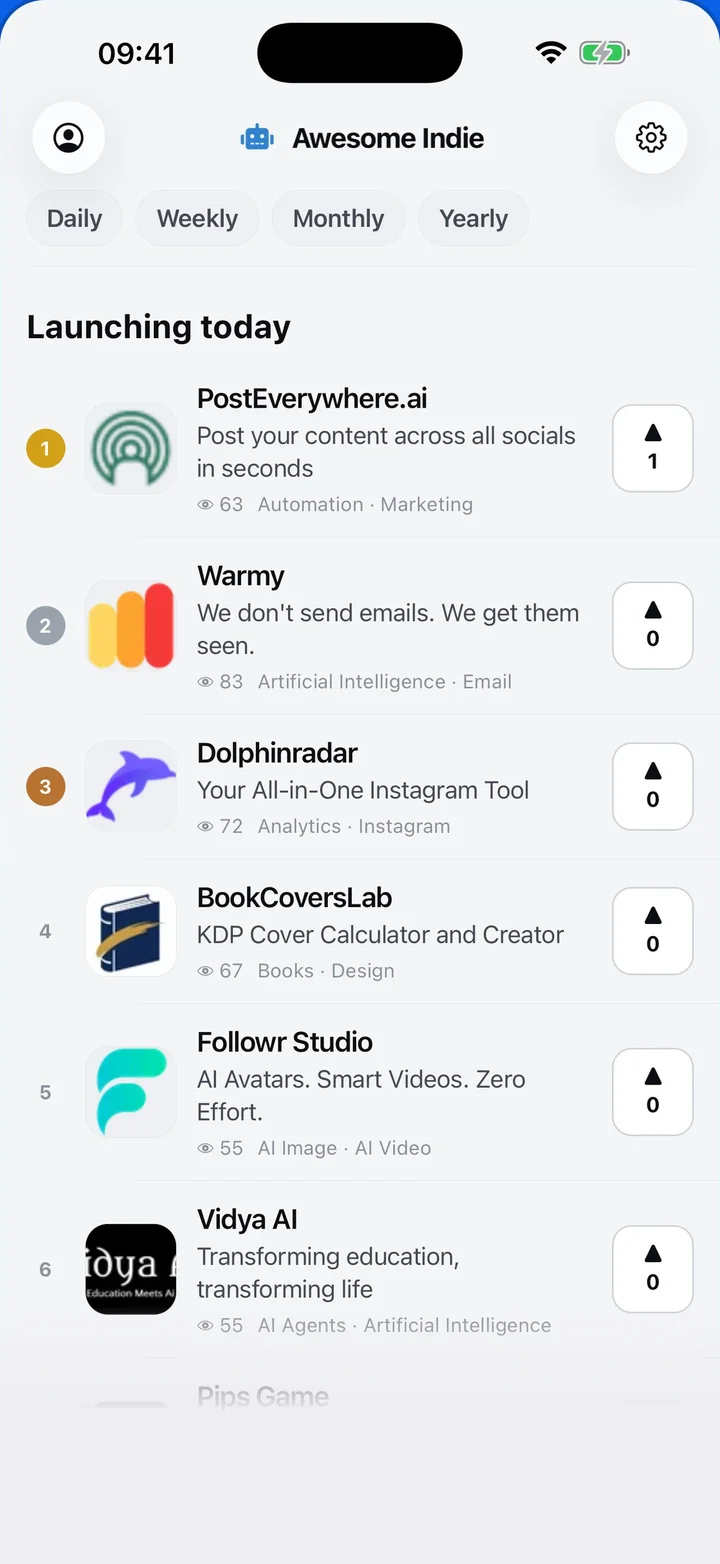
Awesome Indie
Free on iPhone and Android
Today's launches, in your pocket
Upvote, comment and follow with the account you already have.
Categories
Browse all- Daily
- Weekly
- Monthly
- Yearly
- Community
- Leaderboard
- Users
- Map
- Pricing
- App
- MCP
- Open Analytics
- Status
- About
- FAQ
- Terms
- Privacy
- Livro de Reclamações
© 2026 Awesome Indie