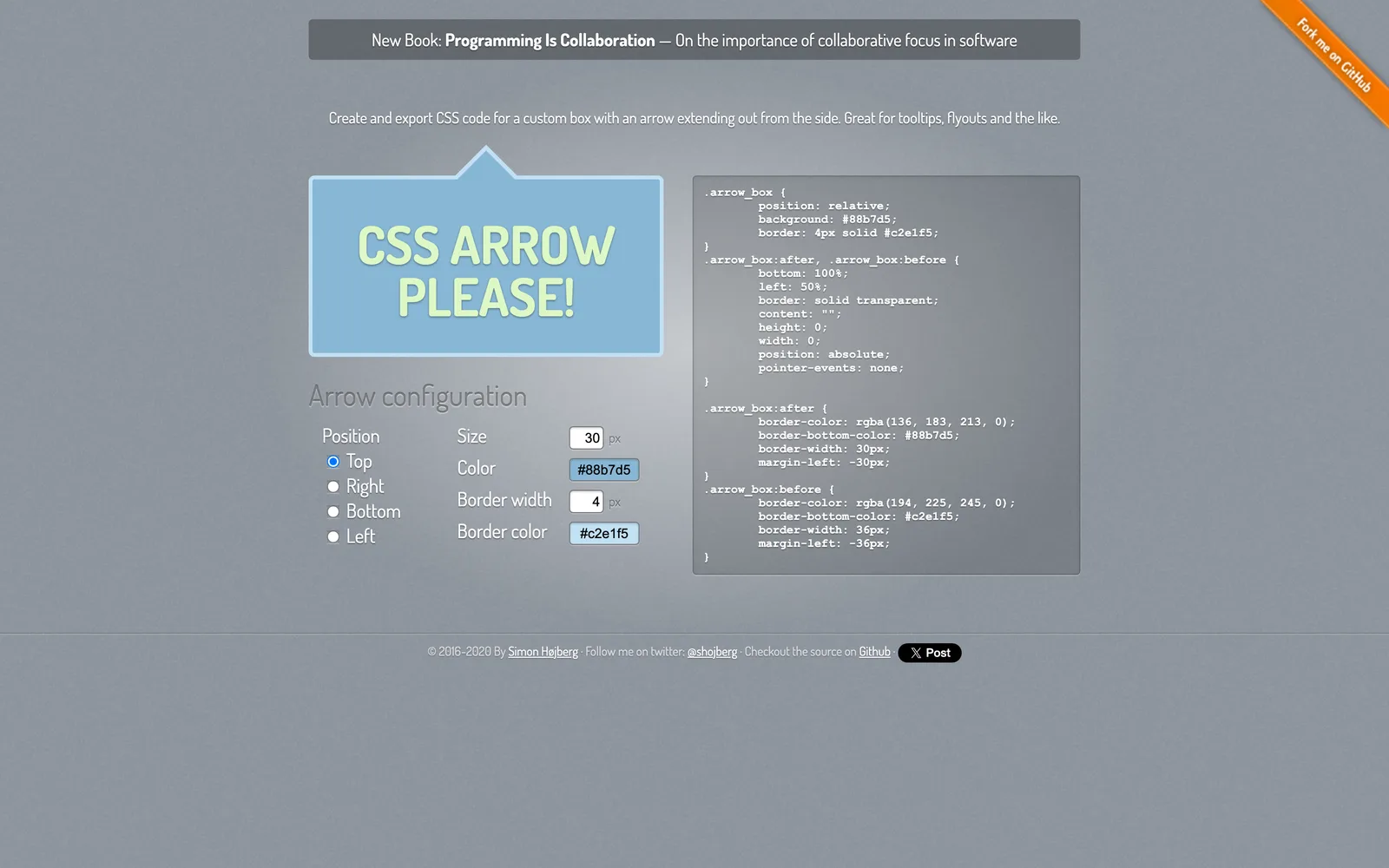
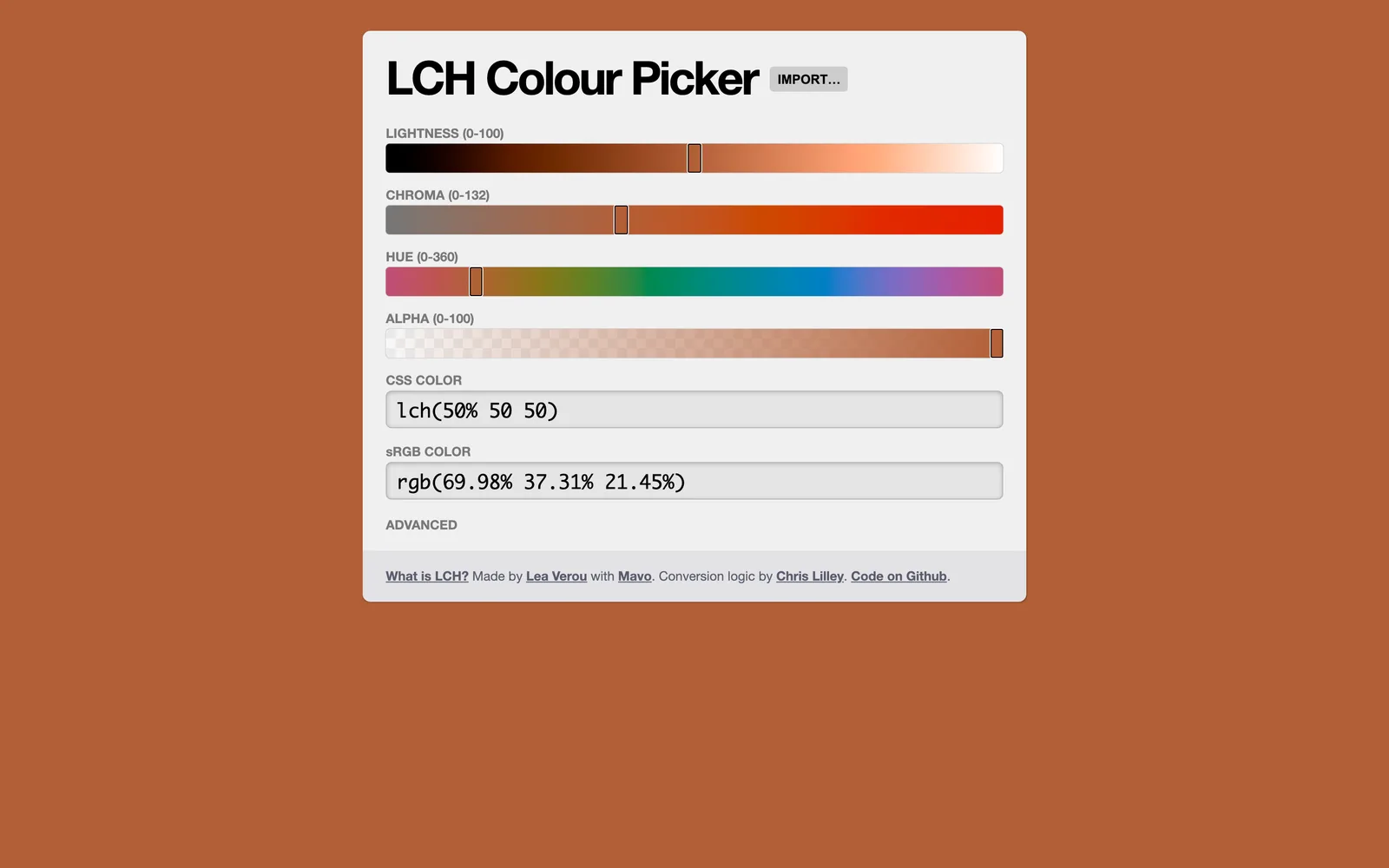
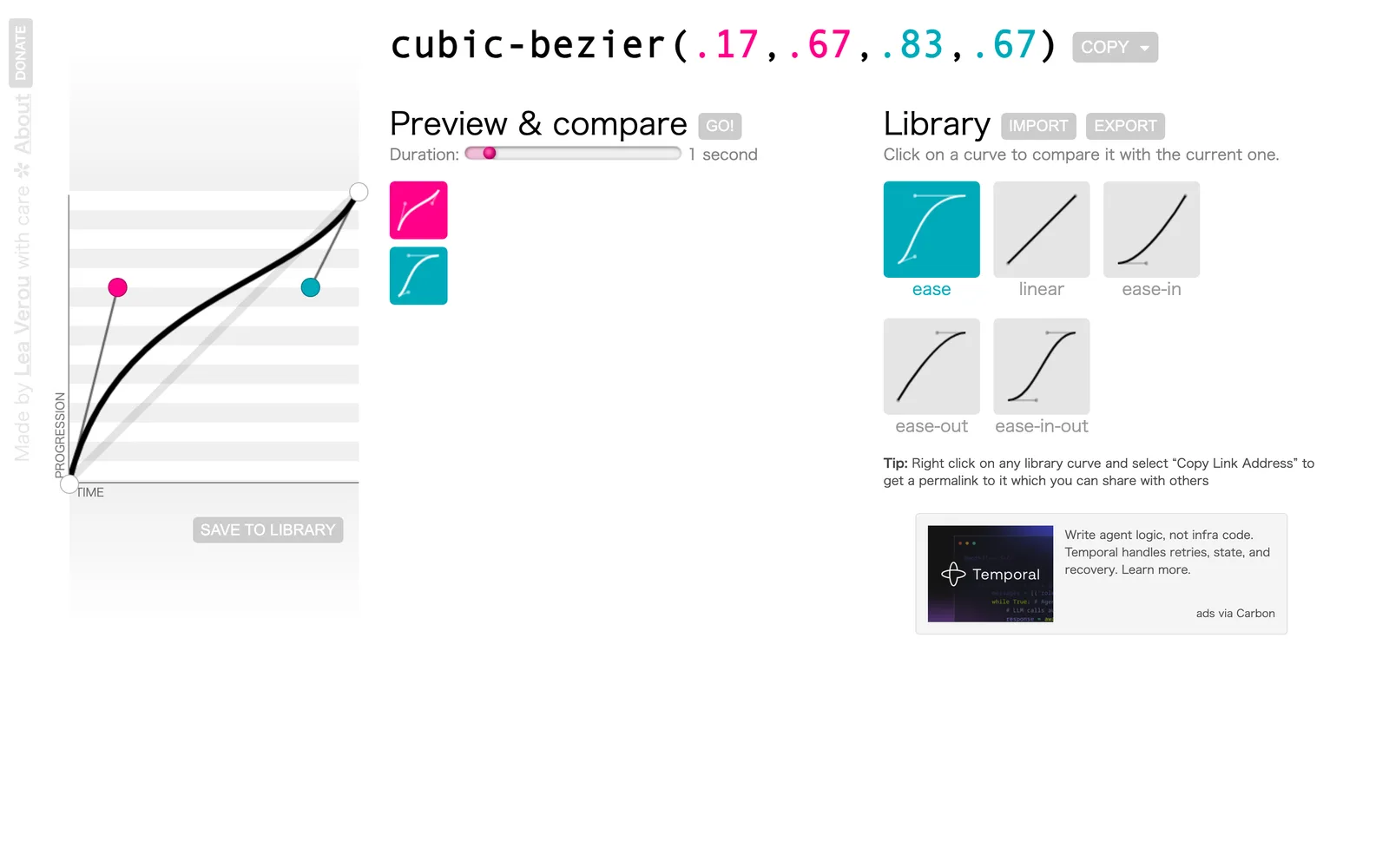
Master the art of styling with these innovative CSS tools, designed to simplify and streamline your development workflow. Browse 46 CSS tools from indie makers and solo founders, ranked by upvotes.
CSS tools make styling faster for designers and front-end developers. The small utilities here generate gradients, background patterns, ready-to-copy effects and decorative text, usually as something you tune visually and paste into a stylesheet. They are close to design, developer tools, color and image categories, but with a narrower aim: the output is code you drop into a page. Gradientos and Grabient both produce gradients, Patternico creates background patterns, and CSS Effects offers effects you can copy directly.
Because the output is code, quality is easy to judge. Is the CSS clean and standards based, or bloated with vendor prefixes you no longer need? Does it offer Tailwind or plain CSS output, depending on your project? Check whether results look the same across browsers, whether you can save or share a configuration, and whether the license lets you use the output commercially, which is nearly always the case for generated gradients. A good tool also explains what the code does, so you learn something rather than just paste.
Indie CSS tools are typically built by a front-end developer to scratch their own itch, which keeps them fast, free and uncluttered. They load instantly and do one job, and the maker can add a missing option, such as a new output format, when a user asks.
Frequently asked questions
How do I use a CSS gradient generator?
Choose your colors and angle visually, preview the result, then copy the generated CSS into your stylesheet. Check that the output works in your target browsers and adjust color stops to taste.
Are CSS generators free to use commercially?
Generally yes, since the output is just code you write into your project. Check the tool's terms for any restriction, and note that fonts or assets you include may carry their own licenses.
Do I need CSS tools if I use Tailwind?
They still help. Many generators output Tailwind classes or let you copy the underlying values to use in custom styles. They are useful for gradients, patterns and effects that utility classes do not cover well.
This multi-model approach is quite interesting. One challenge with tools like this is that the same prompt can yield different results across different models, as each model tends to process input in its own unique way. Do you provide model-specific configuration options, or have you integrated all settings into a unified prompt input interface?