

















Some of the projects I've been working on include: 📱 NotLate – A wellness app designed to help with overthinking and restless nights. 💰 ZapSpend – An expense tracker with receipt scanning, voice input, and CSV/PDF exports. 🚛 Trucker Diary – An iOS app built for truck drivers. 🎵 Duo Vinyl – A digital vinyl turntable experience for music lovers. As a solo developer, one of my biggest challenges isn't just building products. It's getting them discovered, attracting users, and figuring out what actually works after launch. 🌐 https://www.adribyte-studio.com/mobile-apps #IndieHacker #IndieDeveloper #iOSDevelopment #SaaS #Startup
Best Video Tools in 2026
Bring your creative vision to life with a selection of innovative video tools and platforms. Browse 281 video tools from indie makers and solo founders, ranked by upvotes.
That’s every product in this category, ranked. See the latest launches, or submit your own product.
About video tools
Video tools cover creating, editing, summarizing and sharing moving pictures. Kudoflix is a video editor made for everybody, Showreelz collects video and motion design inspiration, PodClip AI generates YouTube summaries, and SpectrShare lets you drop files and share them. Live delivery and players are covered by streaming, music and voice work by audio, interface layout by design, and models that make clips from prompts often sit under artificial intelligence.
Editors differ most in who they are for. Browser editors are quick and free of installs, but heavy projects may need a desktop app or a stronger machine. Check export resolution, watermark rules, supported formats and whether your footage is uploaded to a server or processed on your device. For summarizers and clip tools, look at the languages supported and how they credit the source video. For sharing tools, check file size limits, expiry and who can view a link.
Indie video products often pick a narrow job, such as turning a podcast into clips, and do it with less friction than all-purpose suites. The maker usually reads feedback and can add a format you need. Products are reviewed before launch, and the order is set by community upvotes only, with paid placement not possible.
Frequently asked questions
What should I look for in a video editor?
Check export quality, watermark policy, supported formats and whether processing happens locally or in the cloud. Try a short project to test speed and ease before committing.
Is the video category the same as streaming?
No. Video tools create and edit footage, while streaming focuses on delivering it live or on demand. Many creators need one tool from each.
Are AI video summarizers accurate?
They are useful for deciding what to watch, but can miss nuance. Check important points against the source and look for tools that link summaries to timestamps.
Login streak
Community
See allHealthE AI helps you manage fitness and wellness with AI-driven calorie tracking, macro targets, and personalized workout recommendations. It lets you log meals by photo or text, then analyzes nutrition to set your caloric deficit and macronutrients based on goals like fat loss or muscle gain. HealthE AI also tracks hydration, offers a daily feed, and guides setup through a questionnaire so you can follow a focused plan and measure progress clearly. HealthE AI is coming soon!
Creator of Get4All, a CBox premium link generator focused on simplicity and convenience.
Who to follow
See all- nxz91
14 followers
- Daniel Peris

13 followers
- sarimhaq

12 followers
- Praneet Thakur

9 followers
- Jonatan Carbonell
8 followers
- Sanket
1 follower
Latest comments
See allI really enjoyed the characters and the ability to create your own makes the app feel more personal
onAfterLid1like
Maker here 👋 New: every @fuck.it user now gets a free link-in-bio page at fuck.it/@username. Like Linktree, but on the same name as your inbox. No extra subscription, no tracking pixels. Happy to answer any questions!
on@fuck.it
Sponsors
Just joined
See all- Mert Aslan
Joined
- matikiri.net

Joined
- Timothy Hessel

Joined
- CCMaxPlan Team
Joined
- Mia R.
Joined
- Darryl Jose
Joined
Latest posts
See allSay Goodbye to Privacy Risks: Why Xnov.io is the Ultimate Browser-Based Media Toolkit Need to quickly compress a video, resize an image, or convert a file format? Most free online tools force you to upload your personal files to a random cloud server and hope your data stays safe. Enter Xnov.io (https://xnov.io/) — a lightning-fast, privacy-first online toolkit that processes everything directly in your browser. Why Choose Xnov.io? 100% Local & Private: Your files never leave your device. No server uploads mean zero risk of data leaks. Blazing Fast: Local browser processing eliminates upload and download wait times. No Sign-Up Required: No accounts, no email spam, and no paywalls. Just open and use. Batch Processing: Compress or edit multiple images and videos at once effortlessly.
Remember this little guy trying to make it to CapCut World LA? 🧶✈️🐋 https://x.com/AlexMoonAi/status/2120111488551591941 I'm happy to share that my entry was selected as the 6th-place winner of the #CapCutWorldLA Challenge on Contra! A tiny needle-felted version of myself, an unexpected journey, and a lot of visual storytelling — all brought to life with CapCut Video Studio. He arrived through a whale. And made it to the winners' list! 🎬🏆 #CapCutWorld #AiVideo #1000waystoccw #CapCut #Contra
While building PDF Fan, I had to separate two things people often mean by “clean up a PDF.” Removing metadata clears fields like the document title and author. It leaves visible text on the pages intact. To test the difference, make a sample PDF with the same phrase in its title and on page 1, then check both after cleanup. I built a browser-based tool for this so the original file stays on your device. https://pdf.fan/

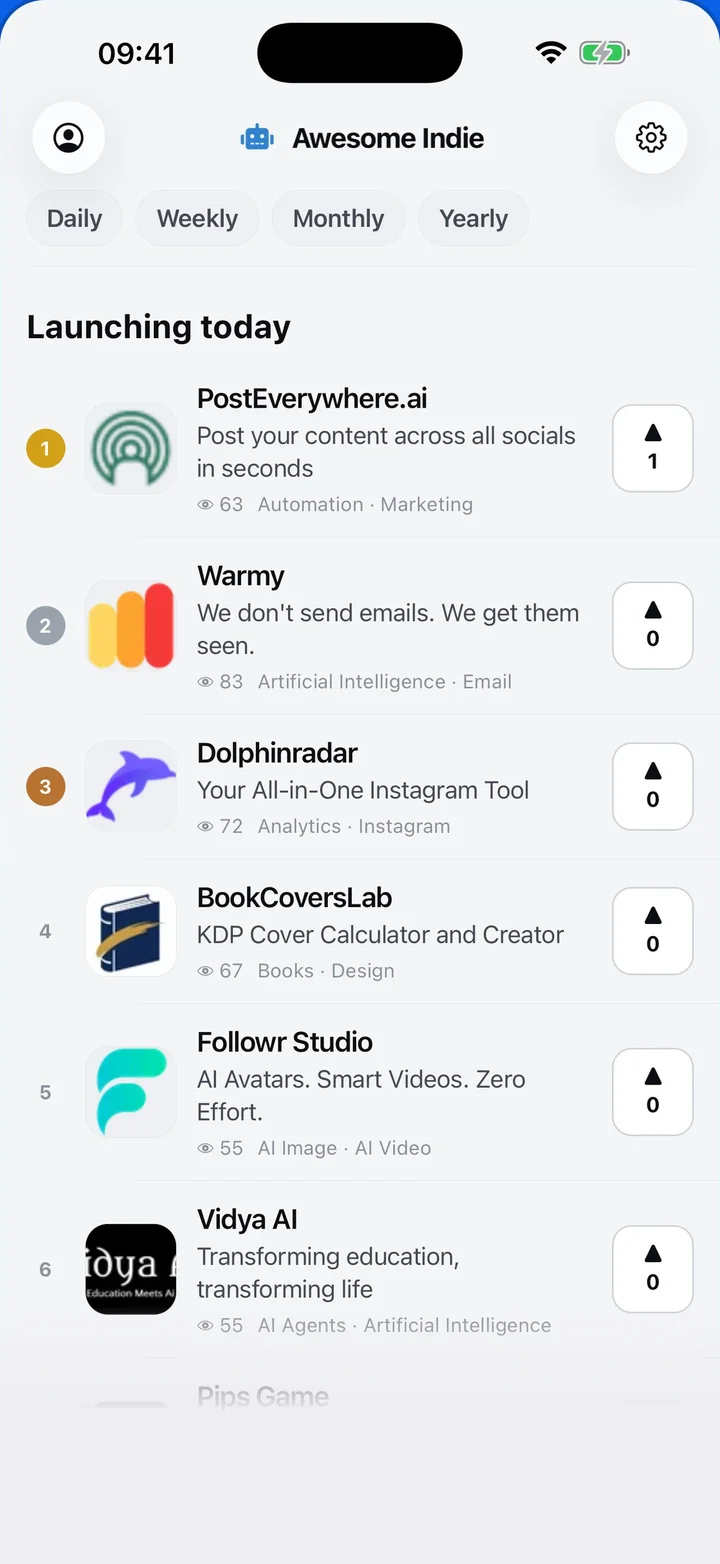
Awesome Indie
Free on iPhone and Android
Today's launches, in your pocket
Upvote, comment and follow with the account you already have.
Categories
Browse all- Daily
- Weekly
- Monthly
- Yearly
- Community
- Leaderboard
- Users
- Map
- Pricing
- App
- MCP
- Open Analytics
- Status
- About
- FAQ
- Terms
- Privacy
- Livro de Reclamações
© 2026 Awesome Indie