









Some of the projects I've been working on include: 📱 NotLate – A wellness app designed to help with overthinking and restless nights. 💰 ZapSpend – An expense tracker with receipt scanning, voice input, and CSV/PDF exports. 🚛 Trucker Diary – An iOS app built for truck drivers. 🎵 Duo Vinyl – A digital vinyl turntable experience for music lovers. As a solo developer, one of my biggest challenges isn't just building products. It's getting them discovered, attracting users, and figuring out what actually works after launch. 🌐 https://www.adribyte-studio.com/mobile-apps #IndieHacker #IndieDeveloper #iOSDevelopment #SaaS #Startup
Best Open Source Tools in 2026
Free and openly licensed software you can read, fork and self-host, across every category on the site. Browse 69 open source tools from indie makers and solo founders, ranked by upvotes.
That’s every product in this category, ranked. See the latest launches, or submit your own product.
About open source tools
Open source here means software whose code you can read, fork and often run on your own server. It crosses every other category on the site, so you will find a search engine, a database, a screenshot tool and a user interface kit all in the same list. The audience is developers, privacy minded users and teams who want to avoid being tied to a single vendor. It overlaps most with developer tools, privacy, DevOps and backend, since those are the places where openness matters most.
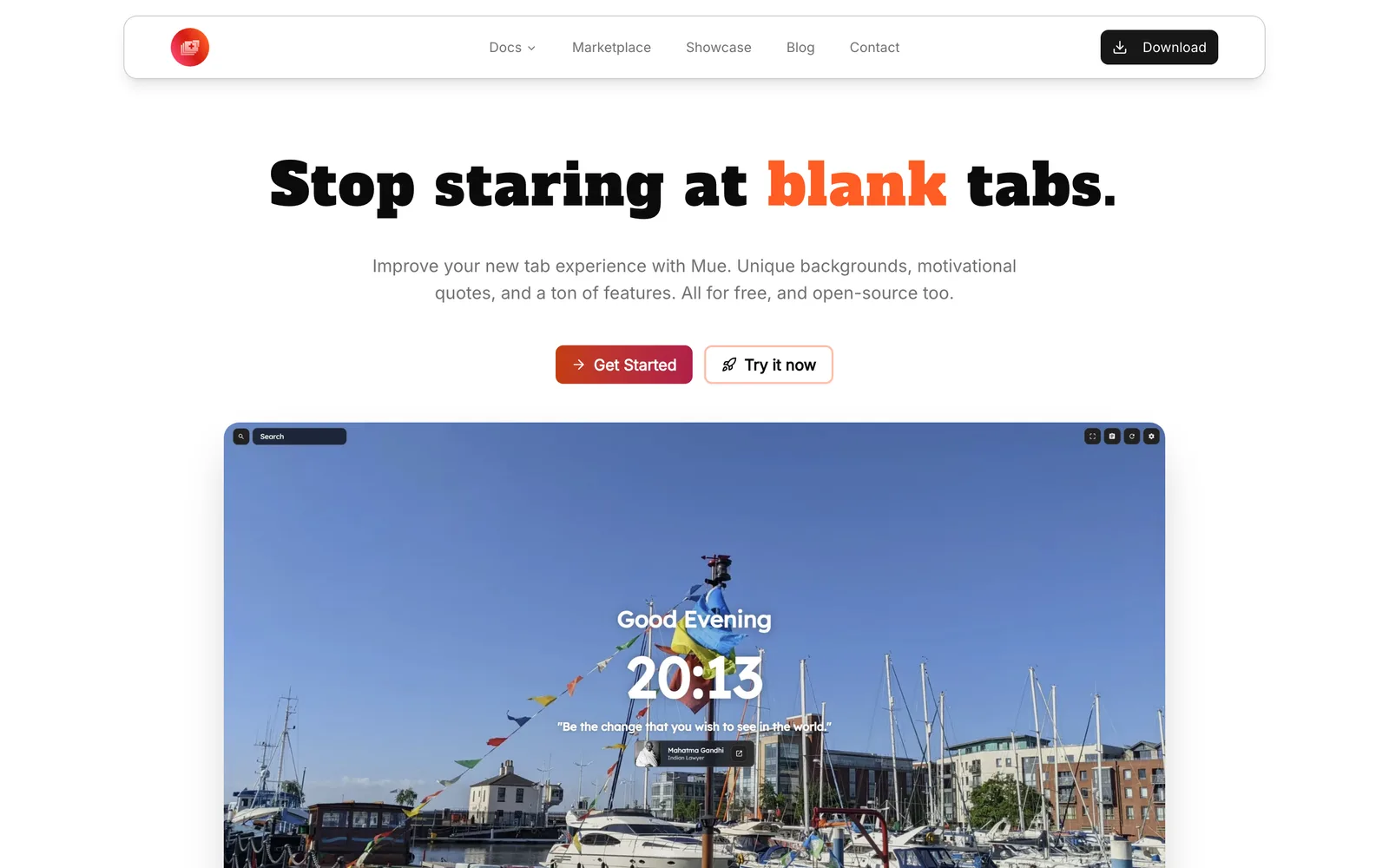
Not every open source project is the same in practice. Read the license first, because some permit commercial use freely while others restrict it or require you to share changes. Then look at how active the repository is: recent commits, responses to issues and a clear way to contribute. Check whether there is a hosted version for people who do not want to manage servers, and whether the self-hosted setup is documented well enough to follow. Some projects are free to use but sell support or a cloud plan, which is a fair model as long as it is stated plainly. Artado Search, an open source private search engine, and SurrealDB, a database for modern applications, show how wide the category runs.
For indie makers, open source is also a way to earn trust. You can inspect what the software does, and the person who wrote it is often one issue away.
Frequently asked questions
What should I check before using an open source project?
Check the license, how recently it was updated, how many people maintain it and whether the documentation covers installation and upgrades. A healthy issue tracker is a good sign. Also see whether a hosted version exists if you do not want to run it yourself.
Is open source the same as free?
Not always. The code is open to inspect and often free to use, but projects may charge for hosting, support or extra features. Some licenses also limit commercial use or require you to share changes, so read the terms before building on one.
Can I self-host the products in this category?
Many can be self-hosted, which gives you control over your data and costs. You take on maintenance, security updates and backups in return. Look for a clear install guide and a container image, and check whether the maker also offers a managed plan.
Login streak
Community
See allHealthE AI helps you manage fitness and wellness with AI-driven calorie tracking, macro targets, and personalized workout recommendations. It lets you log meals by photo or text, then analyzes nutrition to set your caloric deficit and macronutrients based on goals like fat loss or muscle gain. HealthE AI also tracks hydration, offers a daily feed, and guides setup through a questionnaire so you can follow a focused plan and measure progress clearly. HealthE AI is coming soon!
Creator of Get4All, a CBox premium link generator focused on simplicity and convenience.
Who to follow
See all- Anita Chandra

15 followers
- Alex Wall
15 followers
- Anita Shah

15 followers
- Davin Paul
14 followers
- Ryan George
13 followers
- Joel Rocha

11 followers
Latest comments
See allI really enjoyed the characters and the ability to create your own makes the app feel more personal
onAfterLid1like
Maker here 👋 New: every @fuck.it user now gets a free link-in-bio page at fuck.it/@username. Like Linktree, but on the same name as your inbox. No extra subscription, no tracking pixels. Happy to answer any questions!
on@fuck.it
Just joined
See all- ig.tools Team
Joined
- Liu Tenglong

Joined
- Jens Behnisch
Joined
- Yidao Wang
Joined
- TideTrade
Joined
- Gabrielle
Joined
Sponsors

Awesome Indie
Free on iPhone and Android
Today's launches, in your pocket
Upvote, comment and follow with the account you already have.

Categories
Browse all- Daily
- Weekly
- Monthly
- Yearly
- Community
- Leaderboard
- Users
- Map
- Pricing
- App
- MCP
- Open Analytics
- Status
- About
- FAQ
- Terms
- Privacy
© 2026 Awesome Indie