Some of the projects I've been working on include: 📱 NotLate – A wellness app designed to help with overthinking and restless nights. 💰 ZapSpend – An expense tracker with receipt scanning, voice input, and CSV/PDF exports. 🚛 Trucker Diary – An iOS app built for truck drivers. 🎵 Duo Vinyl – A digital vinyl turntable experience for music lovers. As a solo developer, one of my biggest challenges isn't just building products. It's getting them discovered, attracting users, and figuring out what actually works after launch. 🌐 https://www.adribyte-studio.com/mobile-apps #IndieHacker #IndieDeveloper #iOSDevelopment #SaaS #Startup
Best Time Management Tools in 2026
Streamline your schedule with a curated selection of innovative tools designed to boost productivity and keep you on track. Browse 91 time management tools from indie makers and solo founders, ranked by upvotes.







Alarm Arcade: Beat the Clock
An alarm app that forces you to play a mini-game to wake up
500views






That’s every product in this category, ranked. See the latest launches, or submit your own product.
About time management tools
Time management tools help individuals and teams see where hours go and protect the ones that matter. Tackle tracks time from your calendar, FocusScape is a privacy-first Pomodoro timer with offline ambient sounds, NeuralOps aims to keep remote teams balanced and focused, and Firmbee is an all-in-one project management platform. Task lists and notes live in productivity, scheduling in calendar, and distributed teams in remote work, so this page is the place for timers, trackers and planners.
Think first about which problem you have. If you forget where time went, an automatic tracker that reads a calendar will beat manual timers. If you struggle to start, a simple focus timer is enough. Teams need reports, permissions and sometimes billing, but they should also consider how invasive the tracking feels, since monitoring tools can damage trust. Check whether it works offline, syncs between devices and exports data in a format you can use elsewhere. Look at what the privacy policy says about calendar access.
Indie tools in this field are often built by people trying to fix their own distraction, so they stay light and respect your attention. You can usually ask the maker for tweaks to how a timer or report works. Each submission is reviewed before launch, and the list is ranked by community upvotes, never by payment.
Frequently asked questions
What is the best way to track my time?
Automatic tracking from a calendar needs the least effort, manual timers give more detail, and a Pomodoro timer helps focus. Choose the style you will actually keep using.
How is time management different from productivity tools?
Time management is about measuring and scheduling hours, with timers, trackers and planners. Productivity is broader, including tasks, notes and workflows.
Are time tracking tools private?
Check what data is collected and who can see it. Prefer tools that keep data local or explain clearly what is stored, and be transparent with your team about what gets tracked.
Login streak
Community
See allHealthE AI helps you manage fitness and wellness with AI-driven calorie tracking, macro targets, and personalized workout recommendations. It lets you log meals by photo or text, then analyzes nutrition to set your caloric deficit and macronutrients based on goals like fat loss or muscle gain. HealthE AI also tracks hydration, offers a daily feed, and guides setup through a questionnaire so you can follow a focused plan and measure progress clearly. HealthE AI is coming soon!
Creator of Get4All, a CBox premium link generator focused on simplicity and convenience.
Who to follow
See all- Kuldeep Kundal

15 followers
- Ryan George
13 followers
- Mihnea Zamfir

12 followers
- AnthoVDO
11 followers
- Aymi Malik

7 followers
- Tan Chee ling
1 follower
Latest comments
See allI really enjoyed the characters and the ability to create your own makes the app feel more personal
onAfterLid1like
Maker here 👋 New: every @fuck.it user now gets a free link-in-bio page at fuck.it/@username. Like Linktree, but on the same name as your inbox. No extra subscription, no tracking pixels. Happy to answer any questions!
on@fuck.it
Sponsors
Just joined
See all- Nano Banana 2.1
Joined
- Z-Tech
Joined
- Steven James
Joined
- IASolutions
Joined
- IASolutions
Joined
- Global City Intelligence
Joined
Latest posts
See allI'm Khizar, founder of PotatoTools. I built PotatoTools because I was frustrated with online tools that were full of ads, paywalls, and forced signups. PotatoTools focuses on fast, browser-based tools that help with data conversion, calculations, content creation, productivity, and everyday tasks. No ads. No signup. No unnecessary complexity. Just useful tools that work. We're just getting started and would love your feedback on what tools you'd like to see next. Thanks for checking it out! Visit Potato Tools : https://potatotools.com/
A reading-note workflow worth testing: keep the excerpt and your interpretation separate. Capture a short passage with its source, then write one sentence about why it matters. Put related ideas into a mind map, and revisit the original passage before turning a note into a claim. This keeps a memorable quote from becoming a conclusion without context. This is the workflow behind MindNote, the cross-platform reading app I am building. It connects book excerpts, personal notes and mind maps, with a route back to the source and sync across Windows, macOS, iOS and Android. The product and reading workflow are here: https://www.mindnote.site/ How do you keep your own interpretation distinguishable from an author’s words?
A café changes the price of an espresso. Where does the old price survive? Usually in the menu PDF linked from Maps, even after someone updates the counter menu. For Menu-on we keep the destination stable: the QR code on the table and the link in the café’s profile open the same menu. The owner sends us the change; we edit the dish without replacing either link. One useful test: scan yesterday’s printed code after changing a price, then switch languages and check the same dish. The menu and editor are shown here: https://menu-on.com/main?lang=en

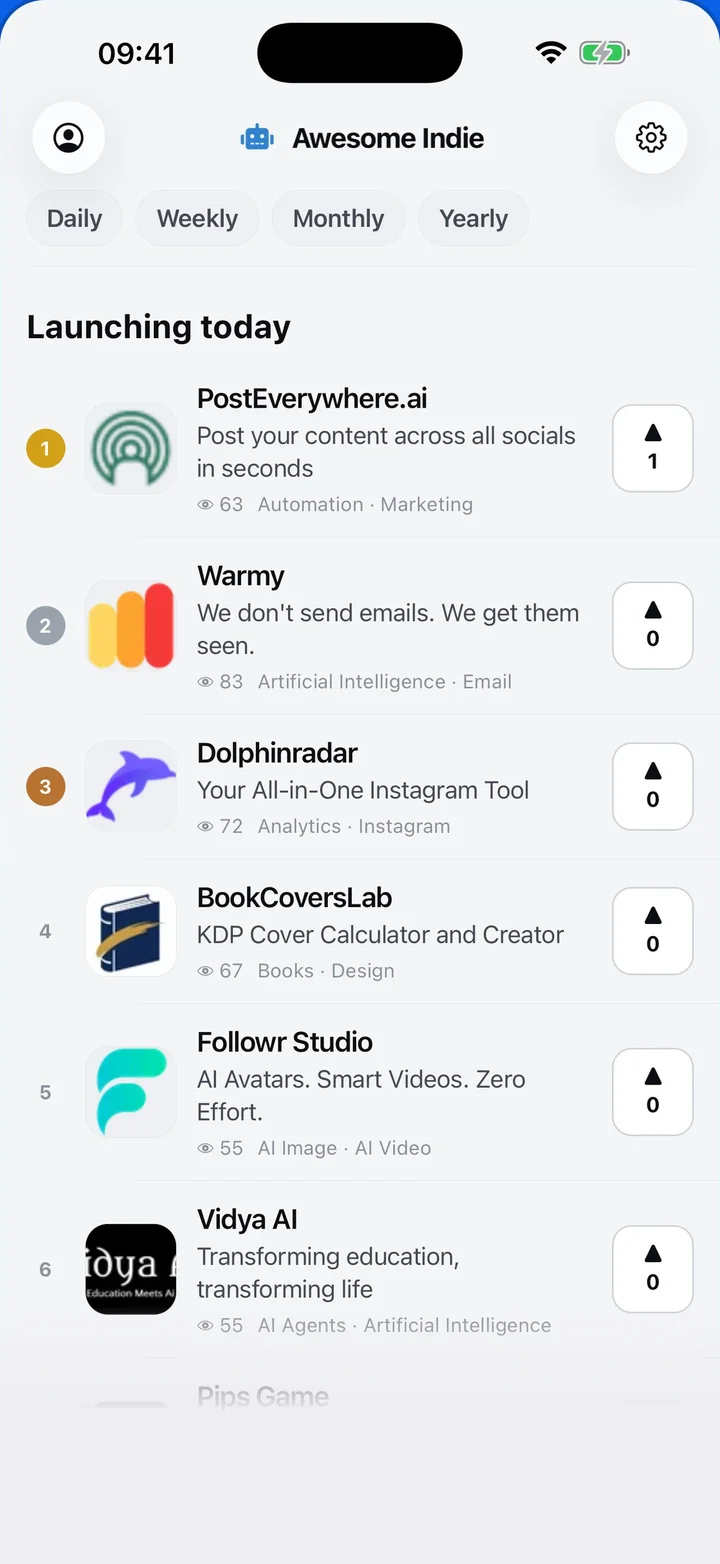
Awesome Indie
Free on iPhone and Android
Today's launches, in your pocket
Upvote, comment and follow with the account you already have.
Categories
Browse all- Daily
- Weekly
- Monthly
- Yearly
- Community
- Leaderboard
- Users
- Map
- Pricing
- App
- MCP
- Open Analytics
- Status
- About
- FAQ
- Terms
- Privacy
- Livro de Reclamações
© 2026 Awesome Indie