Some of the projects I've been working on include: 📱 NotLate – A wellness app designed to help with overthinking and restless nights. 💰 ZapSpend – An expense tracker with receipt scanning, voice input, and CSV/PDF exports. 🚛 Trucker Diary – An iOS app built for truck drivers. 🎵 Duo Vinyl – A digital vinyl turntable experience for music lovers. As a solo developer, one of my biggest challenges isn't just building products. It's getting them discovered, attracting users, and figuring out what actually works after launch. 🌐 https://www.adribyte-studio.com/mobile-apps #IndieHacker #IndieDeveloper #iOSDevelopment #SaaS #Startup
Best AI Tools in 2026
Explore innovative tools and applications that bring machine learning and automation to creative and everyday tasks. Browse 1773 AI tools from indie makers and solo founders, ranked by upvotes.


AI Manga Translator
AI Manga Translation—Fast, Accurate, Multilingual OCR
439views







That’s every product in this category, ranked. See the latest launches, or submit your own product.
Login streak
Community
See allHealthE AI helps you manage fitness and wellness with AI-driven calorie tracking, macro targets, and personalized workout recommendations. It lets you log meals by photo or text, then analyzes nutrition to set your caloric deficit and macronutrients based on goals like fat loss or muscle gain. HealthE AI also tracks hydration, offers a daily feed, and guides setup through a questionnaire so you can follow a focused plan and measure progress clearly. HealthE AI is coming soon!
Creator of Get4All, a CBox premium link generator focused on simplicity and convenience.
Who to follow
See all- Martin Jensen

17 followers
- Olufemi Akinyemi

14 followers
- Anton Radchenko

13 followers
- Celine Di Biase

6 followers
- Abdullah Khan

5 followers
- Adam Ali
5 followers
Latest comments
See allI really enjoyed the characters and the ability to create your own makes the app feel more personal
onAfterLid1like
Maker here 👋 New: every @fuck.it user now gets a free link-in-bio page at fuck.it/@username. Like Linktree, but on the same name as your inbox. No extra subscription, no tracking pixels. Happy to answer any questions!
on@fuck.it
Sponsors
Just joined
See all- Joseph Adler

Joined
- Marketing
Joined
- Xiaofei Wang
Joined
- Manish Yadav
Joined
- Дмитрий Греков
Joined
- Eventory
Joined
Latest posts
See allA reading-note workflow worth testing: keep the excerpt and your interpretation separate. Capture a short passage with its source, then write one sentence about why it matters. Put related ideas into a mind map, and revisit the original passage before turning a note into a claim. This keeps a memorable quote from becoming a conclusion without context. This is the workflow behind MindNote, the cross-platform reading app I am building. It connects book excerpts, personal notes and mind maps, with a route back to the source and sync across Windows, macOS, iOS and Android. The product and reading workflow are here: https://www.mindnote.site/ How do you keep your own interpretation distinguishable from an author’s words?
A café changes the price of an espresso. Where does the old price survive? Usually in the menu PDF linked from Maps, even after someone updates the counter menu. For Menu-on we keep the destination stable: the QR code on the table and the link in the café’s profile open the same menu. The owner sends us the change; we edit the dish without replacing either link. One useful test: scan yesterday’s printed code after changing a price, then switch languages and check the same dish. The menu and editor are shown here: https://menu-on.com/main?lang=en
Test the file name in the download dialog Download an image from the preview and read its name in the save dialog. Check the folder where it lands, too. A name that makes sense in the export list can still turn into something generic on disk. Use two versions of the same image for the test. A suffix such as print proof or small preview should let someone pick the right file from the download folder without opening both. If the suffix goes missing, include the filename you actually received when you report the issue.

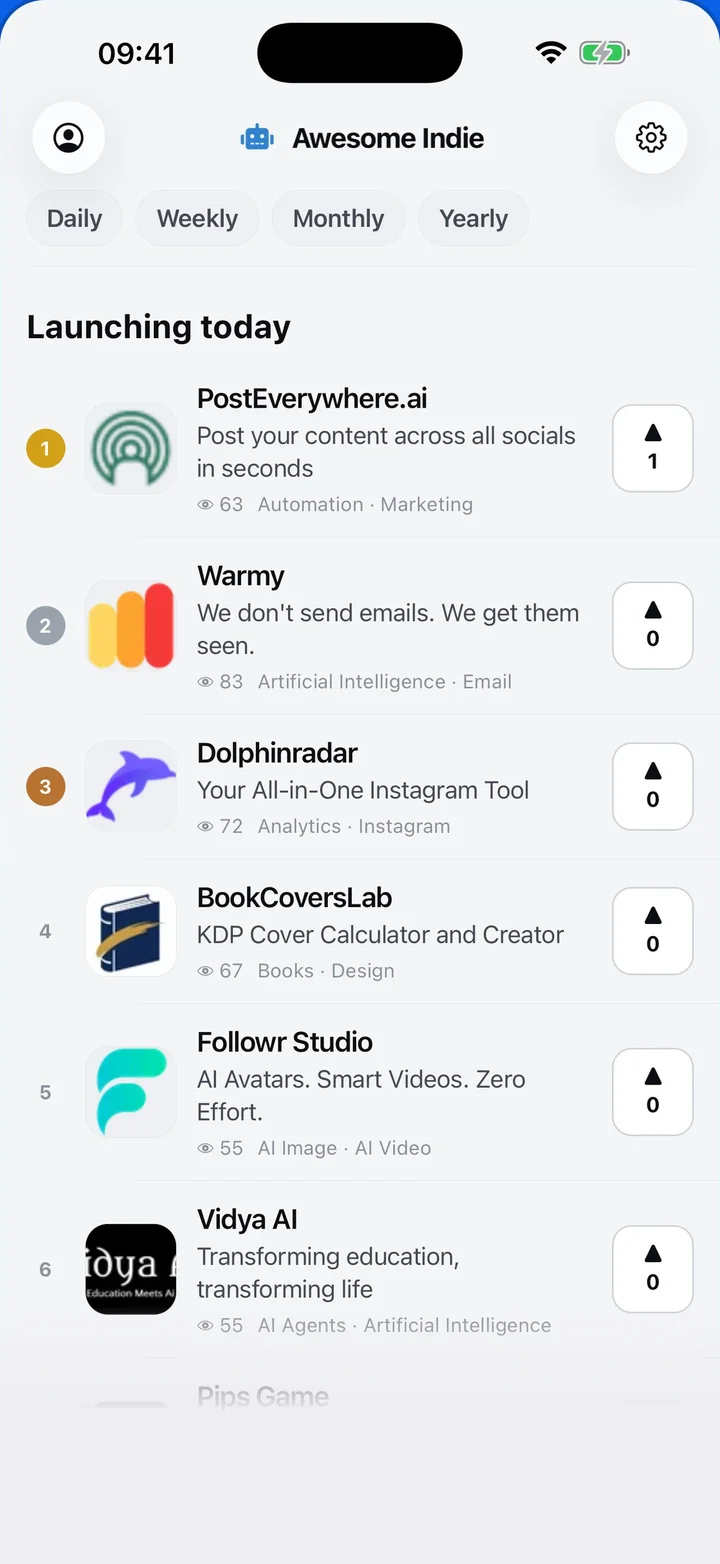
Awesome Indie
Free on iPhone and Android
Today's launches, in your pocket
Upvote, comment and follow with the account you already have.
Categories
Browse all- Daily
- Weekly
- Monthly
- Yearly
- Community
- Leaderboard
- Users
- Map
- Pricing
- App
- MCP
- Open Analytics
- Status
- About
- FAQ
- Terms
- Privacy
- Livro de Reclamações
© 2026 Awesome Indie