Some of the projects I've been working on include: 📱 NotLate – A wellness app designed to help with overthinking and restless nights. 💰 ZapSpend – An expense tracker with receipt scanning, voice input, and CSV/PDF exports. 🚛 Trucker Diary – An iOS app built for truck drivers. 🎵 Duo Vinyl – A digital vinyl turntable experience for music lovers. As a solo developer, one of my biggest challenges isn't just building products. It's getting them discovered, attracting users, and figuring out what actually works after launch. 🌐 https://www.adribyte-studio.com/mobile-apps #IndieHacker #IndieDeveloper #iOSDevelopment #SaaS #Startup
Best Customer Support Tools in 2026
Answer the people already using your product: shared inboxes, ticketing, live chat widgets, help centres and the automation that deflects the repeat questions. Browse 165 customer support tools from indie makers and solo founders, ranked by upvotes.





MotionShot
Create attractive walkthrough guides for your products customers
2,091views


That’s every product in this category, ranked. See the latest launches, or submit your own product.
About customer support tools
Customer support tools help a team answer the people already using their product. This page lists shared inboxes, ticketing, live chat widgets, help centers and feedback collectors. Examples include Atomic Inputs for gathering business feedback, Scribe for generating step-by-step guides from a workflow, Hivoe for handling Twitter DMs, and Ayudo for support automation with AI agents. Chatbots are a close neighbour, so a product that is mainly an automated conversational widget sits there, and messaging and automation tools overlap with the support workflow.
The deciding factors are channel coverage and how work gets split between people. Check which channels land in one inbox: email, chat, social messages or forms. Ask whether conversations can be assigned, tagged and handed off, and whether there are saved replies. Pricing is often per agent, which can get costly as a team grows, so compare it against flat plans. See what the product does with AI: drafting replies for review is different from answering customers alone. Look at exports and integrations with your billing or issue tracker too.
A small indie team knows what it is like to answer every message personally, and many of these tools are shaped by that. Expect simpler setup, honest pricing and a maker who reads your feedback. You might give up some enterprise reporting in exchange. Every submission is reviewed before launch, and the ranking is built on community upvotes that each count once.
Frequently asked questions
How do I choose customer support software?
List the channels you must cover, then check whether they land in one inbox, how conversations are assigned and how pricing scales with team size. If AI replies are included, confirm whether a human reviews them before they reach customers.
What is the difference between support tools and chatbots?
Support tools manage the whole workflow of conversations, such as inboxes, tickets and help articles. Chatbots are automated conversational interfaces that may feed into that workflow. Many products combine both and appear in each category.
Can a solo founder use these tools?
Yes, and many are designed for exactly that. A solo founder should look for per-seat pricing that is not punishing, a simple shared inbox, saved replies and a widget that is quick to install, rather than heavy reporting they will not use.
Login streak
Community
See allHealthE AI helps you manage fitness and wellness with AI-driven calorie tracking, macro targets, and personalized workout recommendations. It lets you log meals by photo or text, then analyzes nutrition to set your caloric deficit and macronutrients based on goals like fat loss or muscle gain. HealthE AI also tracks hydration, offers a daily feed, and guides setup through a questionnaire so you can follow a focused plan and measure progress clearly. HealthE AI is coming soon!
Creator of Get4All, a CBox premium link generator focused on simplicity and convenience.
Who to follow
See all- Shane Heyworth

14 followers
- Gloria W. Maldonado

13 followers
- Rudy Walgraef

12 followers
- Joshua Daniel
5 followers
- Tan Chee ling
1 follower
- Bella Moon
0 followers
Latest comments
See allI really enjoyed the characters and the ability to create your own makes the app feel more personal
onAfterLid1like
Maker here 👋 New: every @fuck.it user now gets a free link-in-bio page at fuck.it/@username. Like Linktree, but on the same name as your inbox. No extra subscription, no tracking pixels. Happy to answer any questions!
on@fuck.it
Sponsors
Just joined
See all- Mert Aslan
Joined
- matikiri.net

Joined
- Timothy Hessel

Joined
- CCMaxPlan Team
Joined
- Mia R.
Joined
- Darryl Jose
Joined
Latest posts
See allSay Goodbye to Privacy Risks: Why Xnov.io is the Ultimate Browser-Based Media Toolkit Need to quickly compress a video, resize an image, or convert a file format? Most free online tools force you to upload your personal files to a random cloud server and hope your data stays safe. Enter Xnov.io (https://xnov.io/) — a lightning-fast, privacy-first online toolkit that processes everything directly in your browser. Why Choose Xnov.io? 100% Local & Private: Your files never leave your device. No server uploads mean zero risk of data leaks. Blazing Fast: Local browser processing eliminates upload and download wait times. No Sign-Up Required: No accounts, no email spam, and no paywalls. Just open and use. Batch Processing: Compress or edit multiple images and videos at once effortlessly.
Remember this little guy trying to make it to CapCut World LA? 🧶✈️🐋 https://x.com/AlexMoonAi/status/2120111488551591941 I'm happy to share that my entry was selected as the 6th-place winner of the #CapCutWorldLA Challenge on Contra! A tiny needle-felted version of myself, an unexpected journey, and a lot of visual storytelling — all brought to life with CapCut Video Studio. He arrived through a whale. And made it to the winners' list! 🎬🏆 #CapCutWorld #AiVideo #1000waystoccw #CapCut #Contra
While building PDF Fan, I had to separate two things people often mean by “clean up a PDF.” Removing metadata clears fields like the document title and author. It leaves visible text on the pages intact. To test the difference, make a sample PDF with the same phrase in its title and on page 1, then check both after cleanup. I built a browser-based tool for this so the original file stays on your device. https://pdf.fan/

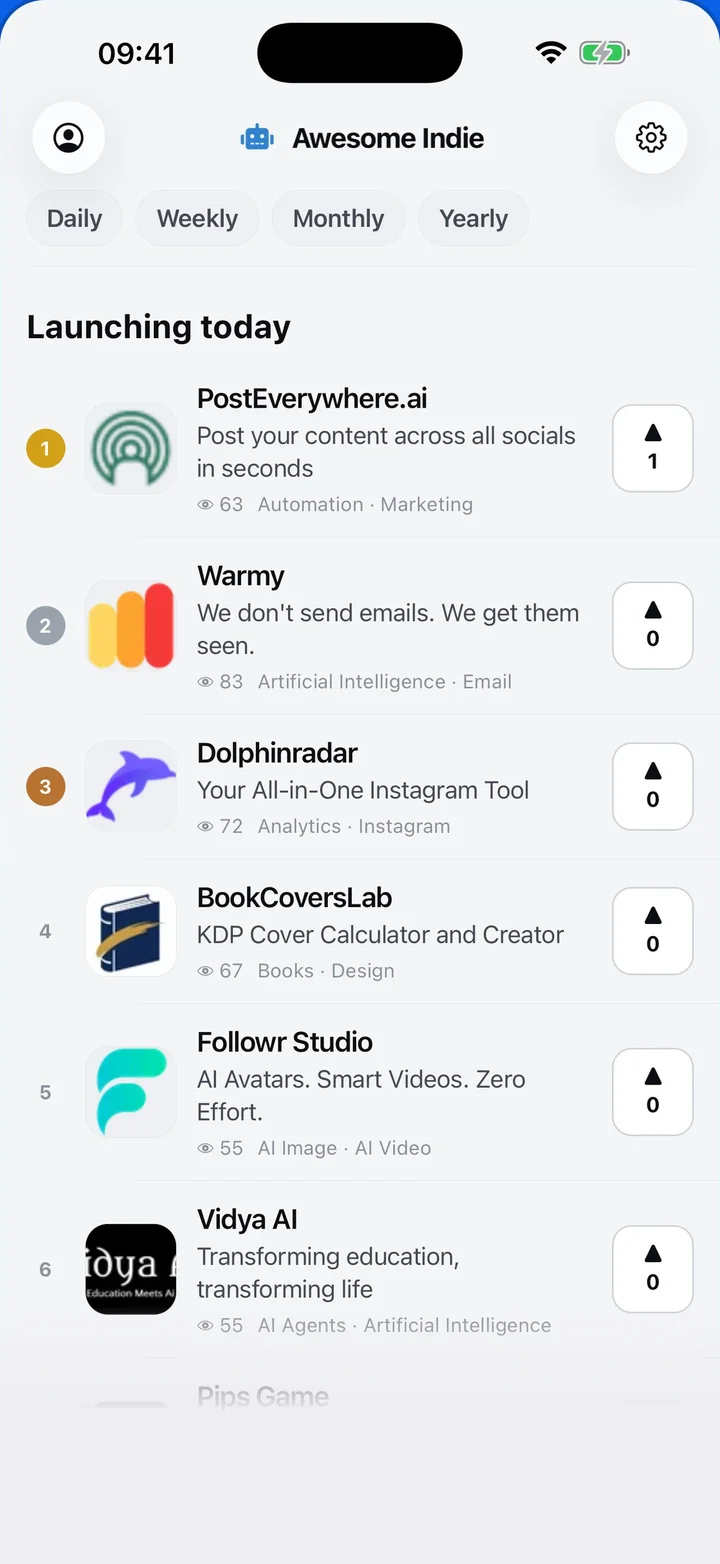
Awesome Indie
Free on iPhone and Android
Today's launches, in your pocket
Upvote, comment and follow with the account you already have.
Categories
Browse all- Daily
- Weekly
- Monthly
- Yearly
- Community
- Leaderboard
- Users
- Map
- Pricing
- App
- MCP
- Open Analytics
- Status
- About
- FAQ
- Terms
- Privacy
- Livro de Reclamações
© 2026 Awesome Indie