AI Image Editor – Edit, transform and enhance photos with text prompt
[Visit Homepage](https://aiimageeditor.ai)
## Overview
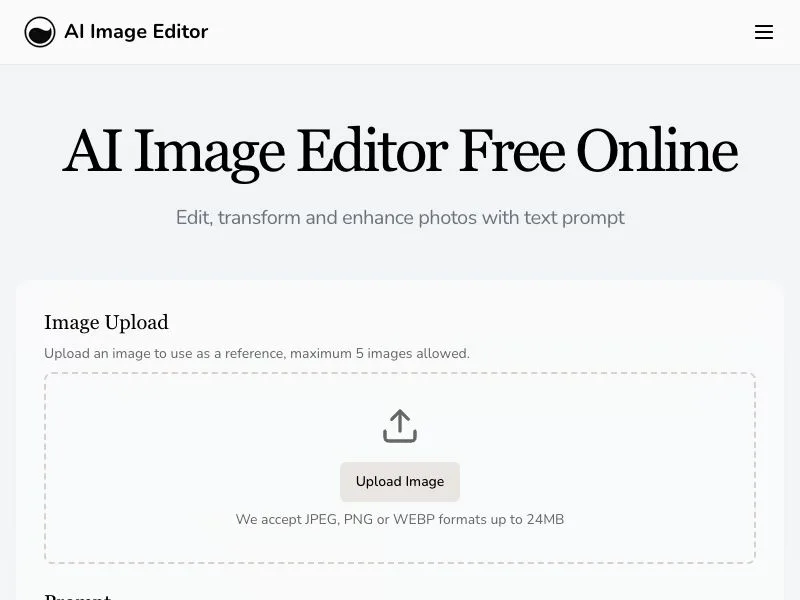
AI Image Editor empowers anyone to perform sophisticated photo edits with a single sentence. Instead of wrestling with layers and masks, simply describe the change—"remove the person in the background" or "apply watercolor style"—and watch the AI deliver pixel-perfect results while preserving your image’s original structure. The platform is cloud-based, so there’s nothing to install, and generations typically finish in under a minute.
## Key Features
• Character Consistency · Keeps faces, proportions and styles steady across scenes for comics and storyboards
• Precision Region Control · Target any area with sub-pixel accuracy while leaving the rest untouched
• Text Editing · Add captions or branding that blend seamlessly into the scene
• Style Transfer · Match your reference image’s look in seconds
• High-Resolution Output · Download up to 4096 × 4096 for print-ready clarity
## Typical Use Cases
• E-commerce product shots: swap backgrounds, enhance lighting and remove distractions
• Portrait retouching: smooth skin, change outfits or adjust expressions
• Vintage photo repair: restore faded images without re-drawing details
• Social promotions: generate themed variants for A/B creative testing
## Pricing & Plans
• Free Trial – 10 credits, watermark, non-commercial
• Hobby – 100 credits/month, commercial license, $7.99
• Basic – 300 credits/month, longer history, $15.99
• Pro – 600 credits/month, best rate, $31.99
## Why Choose AI Image Editor
Unlike traditional editors, AI Image Editor combines depth-aware models with intuitive prompts, so you can achieve professional results without steep learning curves or powerful hardware.
## Getting Started
1. Sign up with email
2. Upload an image or pick a sample
3. Enter your prompt and generate variations
## Testimonials
> "The fastest way to get agency-quality visuals for our campaigns." – Marketing Lead, DTC brand
## FAQ
Q: What file formats do you accept?
A: JPEG, PNG, GIF and WEBP up to 20 MB and 4096 × 4096 pixels.