
Canvid
Create Stunning Screen Recordings. No Editing Skills Needed.
- Launched March 29, 2025
- 0comments
- 0upvotes
- 981views
About Canvid
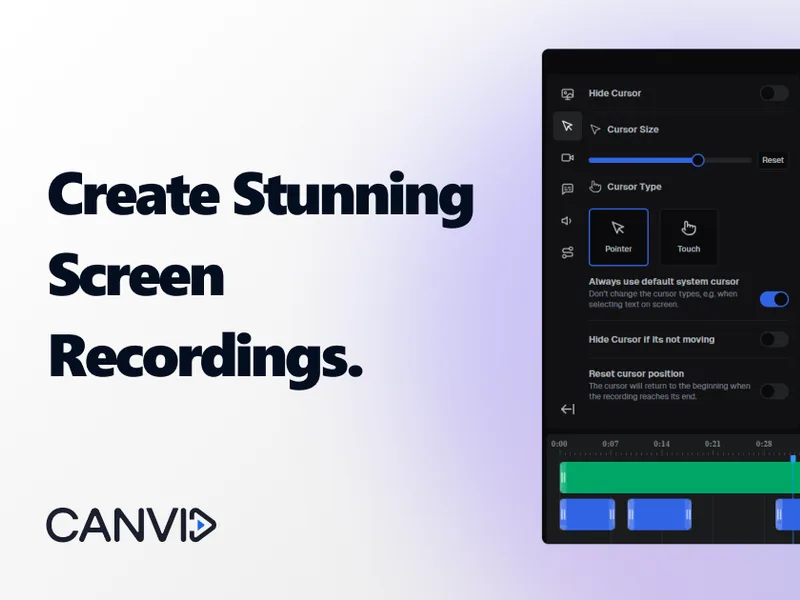
Canvid is an advanced screen recording tool tailored for Windows users, designed to make capturing and enhancing screen recordings seamless and straightforward. It's ideal for creating tutorials, product demonstrations, and presentations, offering a suite of robust features such as automatic zoom, smooth mouse movements, cinematic motion blur, and customizable backgrounds. A particularly impressive aspect is its AI-driven audio enhancement, which guarantees high-quality sound.
Users can easily export their videos in formats like MP4 or GIF, with the ability to record in stunning 4K quality. Its user-friendly interface caters to both novices and seasoned professionals, enabling anyone to produce polished videos without needing extensive editing skills. This makes Canvid an excellent choice for content creators, professionals, and educators aiming to share their screens in a captivating and professional manner.
Built with
Video
Discussion
Sign in to join the conversation…