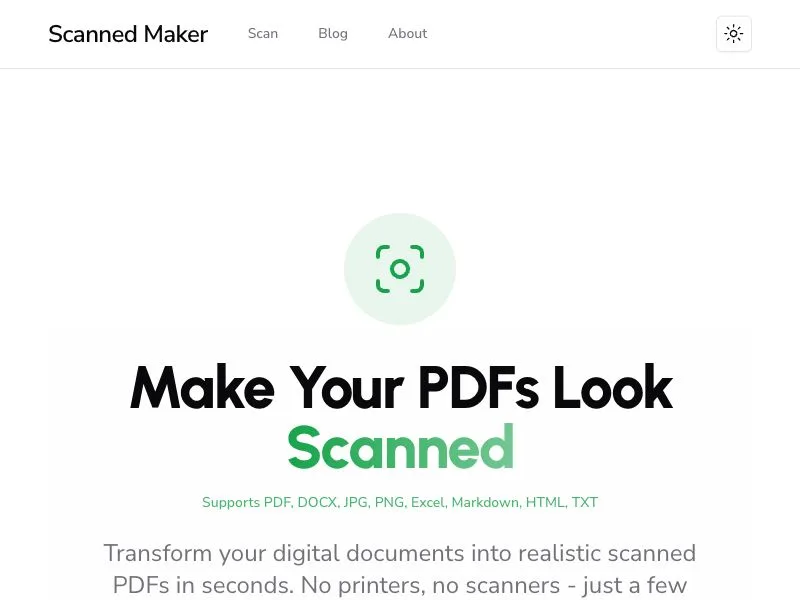

ScannedMaker
Get the scanned look without a scanner. Free & private.
- Launched September 2, 2026
- 0comments
- 0upvotes
- 296views
More products from @benx
One more launch from this maker
Get the scanned look without a scanner. Free & private.
One more launch from this maker


Stop Wasting Paper. Make Your PDFs Look "Scanned" Instantly.
We've all been there: you have a crisp, perfect digital PDF, but the recipient—be it an institution, school, or new employer—insists on a "scanned copy." Do you really need to print it out, just to scan it back in?
Scanned Maker is the solution.
It's a 100% free, powerful online tool designed to instantly transform your "too clean" digital documents into highly realistic, authentic-looking scanned copies.
No printer, no scanner, no software to install. In just a few clicks, your documents can gain the distinct texture, noise, and certified feel of a physical scan.
Powerful Customization for Perfect Results
Scanned Maker offers a finely tuned control panel, allowing you to customize every detail to achieve the exact realistic effect you need.
Simulate Real Scans: Add realistic Noise, Blur, and Rotation to mimic the slight tilt of a physically placed document. You can also control Brightness, Contrast, and Color (Grayscale/Color) to perfectly replicate the unique texture of a scanner.
Signatures & Stamps: Need to sign a document? Use our brand-new Drawing Canvas to smoothly write your electronic signature. Alternatively, you can Upload an Image of your existing signature. This feature is also perfect for adding digital "stamps" like "CONFIDENTIAL" or "PAID."
Professional Watermarks: Protect your documents. Add text watermarks and fully control their Color, Font Size, Opacity, and Rotation. Enable Repeat Pattern mode to securely tile your watermark across the entire page.
Edit PDF Metadata: For a truly professional touch, you can even edit the internal Metadata of your PDF files. Easily modify the "Title," "Author," "Subject," and "Keywords" to ensure full document integrity.