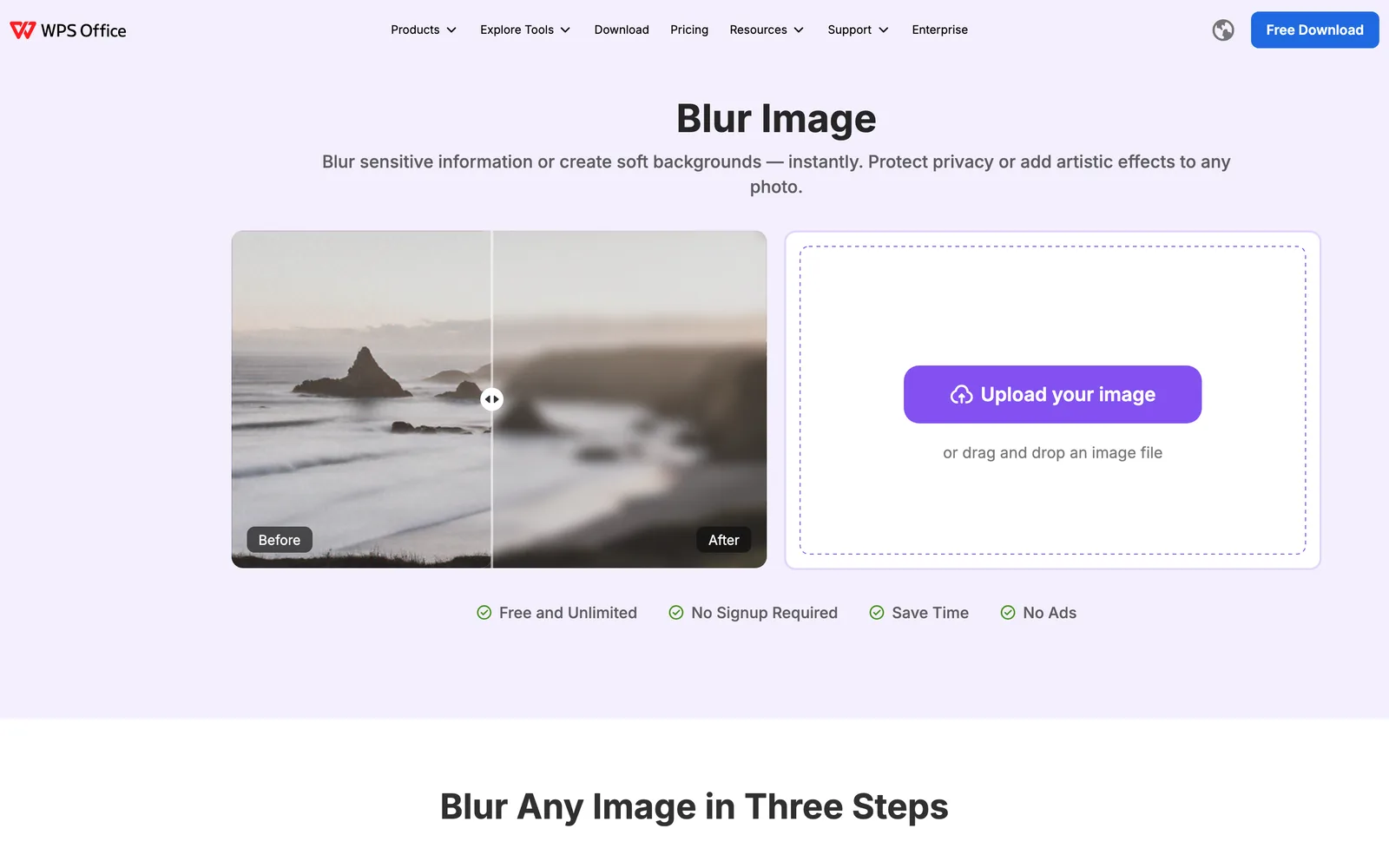

Blur Image
Blur Photo Online – Free Blur Image Tool
- Launched November 15, 2026
- 0comments
- 0upvotes
- 16views
About Blur Image
Blur sensitive details or create soft background effects quickly with this free online blur image tool. The blur image editor helps users blur faces, license plates, addresses, text, logos, and other private information without needing advanced editing software.
This blur photo tool is designed for simplicity and speed. Instead of using complex software, you only need to upload your image, select the area to blur, and download the final result.
Blur Image in Three Simple Steps are:
Step 1: Upload your photo
Step 2: Select the area to blur
Step 3: Download your blurred image
Built with
Discussion
Add a rating (optional)
Sign in to join the conversation…
0 / 2,000



A focused habit tracker built around the 66-day habit model