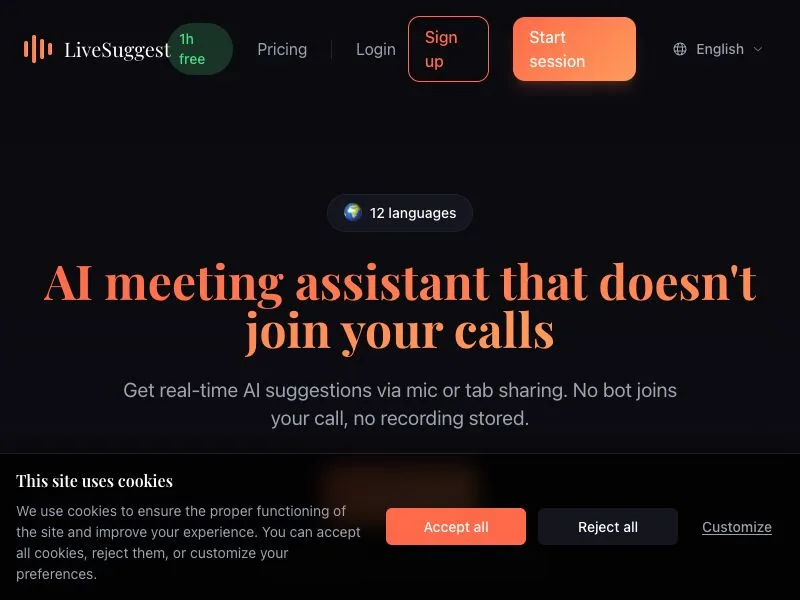
LiveSuggest gives you real time AI suggestions while you're in a meeting. No bot joins your call, no awkward "a bot wants to enter" notification for everyone to see.
Most AI meeting tools focus on what happens after: transcripts, summaries, action items. That's useful, but it doesn't help you in the moment when you're struggling to find the right words, missing a key point, or blanking on what to say next.
LiveSuggest works differently. It captures your system audio and gives you contextual suggestions as the conversation happens. Think of it as having a smart colleague watching over your shoulder, ready to help when you need it.
Who is it for?
Non native speakers who want backup during calls in a foreign language. Consultants and salespeople who need to stay sharp. Anyone who's ever walked out of a meeting thinking "I should have said that differently."
How it works
You start LiveSuggest before your call. It listens to your system audio (Zoom, Teams, Meet, whatever you use) and provides suggestions in a small overlay. You decide what to do with them. Nothing is recorded, nothing is stored unless you want it.
What makes it different
The market is full of tools that join your meeting as a visible bot, then send you a summary 10 minutes after everyone left. LiveSuggest doesn't join anything. It runs locally on your machine, captures audio at the system level, and helps you in real time.
It supports 12 languages, works with any video conferencing tool, and costs way less than most alternatives (plans start at 3€/month).
Why I built this
I've been in countless meetings where I wished I had a bit of help. Not a transcript afterwards, not a summary email. Just a nudge in the moment. That's LiveSuggest.