
PixPin
An all-in-one productivity tool featuring smart screenshots
- Launched November 20, 2026
- 0comments
- 0upvotes
- 7views
About PixPin
PixPin is a powerful, all-in-one screen capture and productivity utility designed to streamline your daily workflow. Whether you are a developer, designer, or knowledge worker, PixPin offers everything you need to capture, annotate, and manage screen content efficiently.
Core Features:
Smart Screenshot: Fast, accurate, and intuitive screen capturing. Includes a rich set of annotation tools (arrows, text, shapes, blur) to highlight important information instantly.
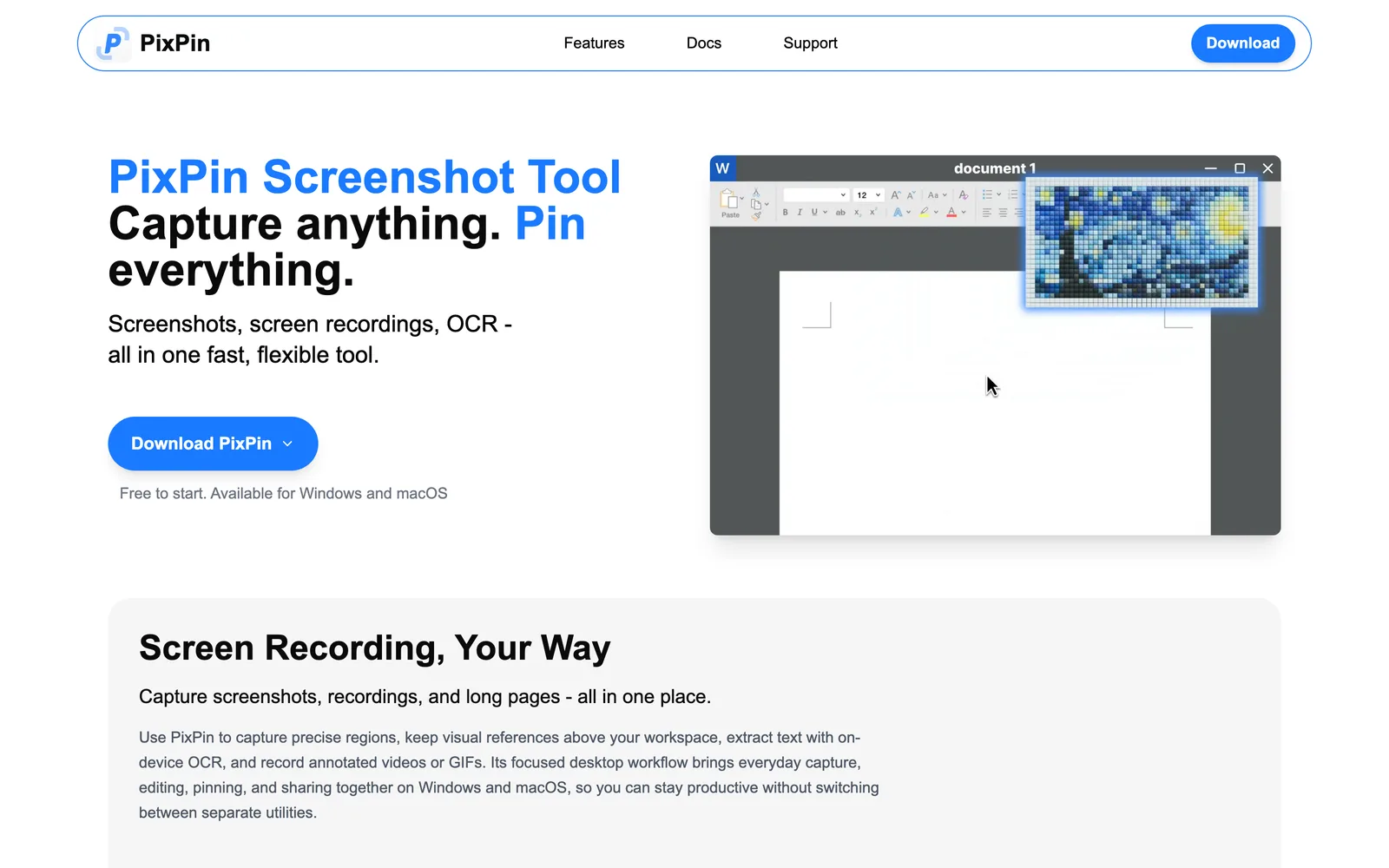
Pin to Screen (Image Pinning): Pin any screenshot or image directly on top of other windows as a floating reference. The perfect assistant for coding, designing, or cross-referencing documents.
Text Recognition (OCR): Lightning-fast, high-accuracy offline OCR. Instantly extract editable text from any image or screenshot with just one click.
Scrolling Screenshot: Automatically capture long webpages, code snippets, or chat histories smoothly without manual stitching.
Screen Recording: Easily record your screen activities to create tutorials, capture bugs, or share quick presentations with your team.
Boost your productivity and elevate your desktop experience with PixPin—your ultimate screen management toolkit.
Built with
Discussion
Sign in to join the conversation…
More products from @zxingliang
Their most upvoted launches


Recent products in Productivity
Top upvoted of the last 30 days