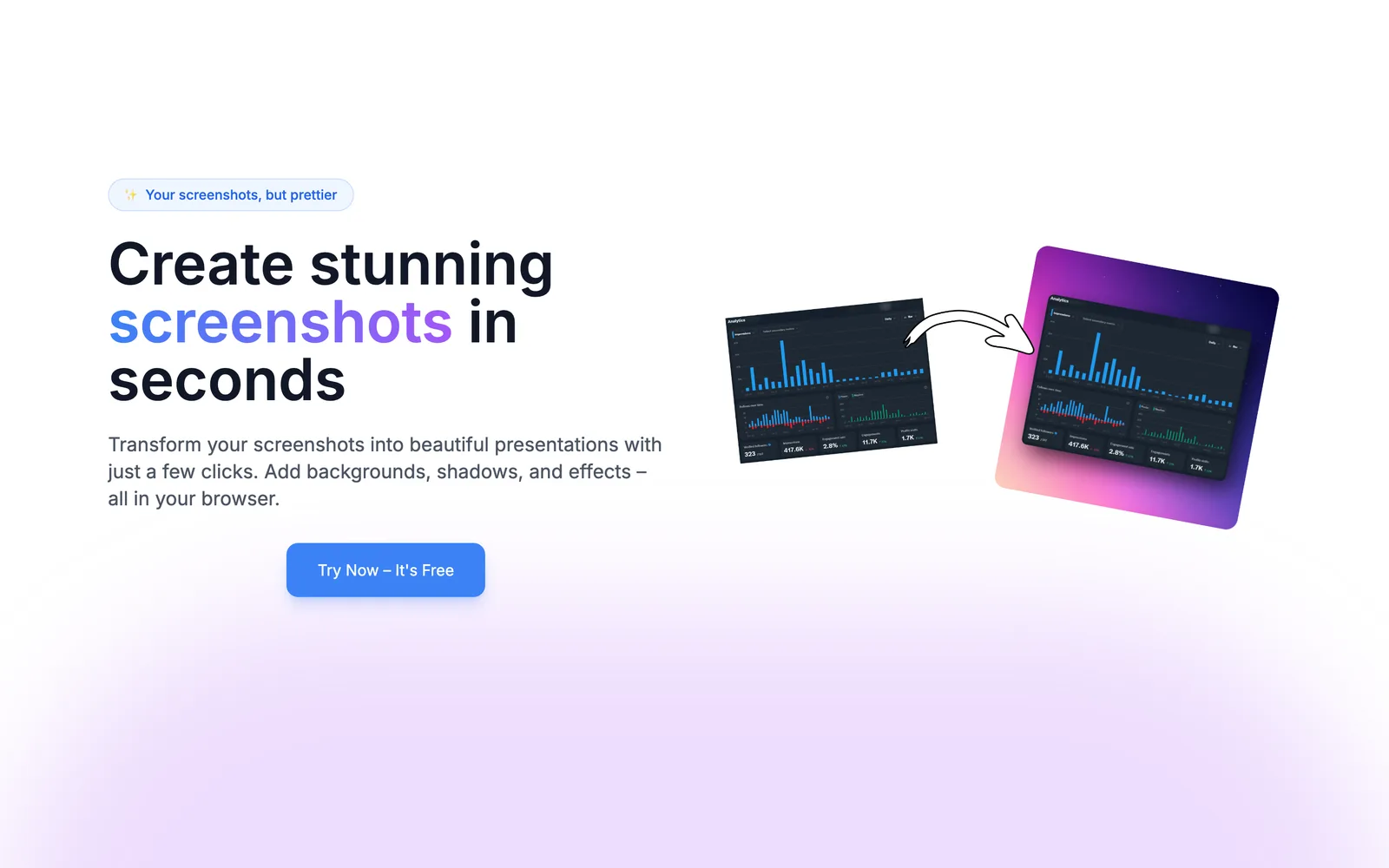
Savvyshot screenshot 1

Savvyshot

Craft beautiful screenshots with ease on Windows and Mac.

  • Freemium · from $9.99 one-time
  • macOS
  • Windows

About Savvyshot

Capture attention with stunning screenshots! Savvyshot, a lightweight app for Windows & MacOS, lets you instantly edit, auto-align, and create shareable screenshots—no design skills or complicated tools needed. Make your screenshots shine effortlessly! ✨🚀

Key features

  • Seamless captures of any region, window, or full display
  • Auto-balance to highlight important content
  • Flexible layouts with padding, shadows, borders, and aspect ratios
  • Background options with presets, gradients, or custom images
  • Annotate with shapes, lines, arrows, and text
  • Auto redaction using native OCR for sensitive info

Built with

Discussion

Add a rating (optional)

Sign in to join the conversation…

0 / 2,000

Alternatives to Savvyshot

  1. CleanSnap

    CleanSnap

    Make Free Beautiful Images out of Screenshots

  2. PimpMySnap

    PimpMySnap

    Create scroll-stopping screenshots in seconds!

    79impressions
  3. PrettyShot

    PrettyShot

    Create stunning screenshots in seconds

    90impressions

Recent products in Design

Top upvoted of the last 30 days

View all
  1. Image to Layers AI

    Separate images into independent layers with AI

    0comments487impressions
  2. SprayShift

    Graffiti generator for custom street art

    0comments425impressions
  3. Droptest Design

    Collect web design feedback in seconds.

    0comments416impressions

Recent products in Image

Top upvoted of the last 30 days

View all
  1. nixm

    Cinematic AI video with native sound, paid per clip & private

    0comments522impressions
  2. AppLaunchFlow

    app store screenshot generator, app store screenshot tool,

    0comments405impressions
  3. PixelKaro

    Compress, resize, edit images and PDFs entirely in your browser

    1comments502impressions

Recent products in Productivity

Top upvoted of the last 30 days

View all
  1. FocusRead

    The Chrome Reader Mode Extension That Just Works

    0comments390impressions
  2. AfterLid

    Keep your Mac working. Check in from your phone.

    1comments492impressions
  3. Collio

    AI Coworker That Delivers Finished Work, Not Just Instructions

    0comments565impressions