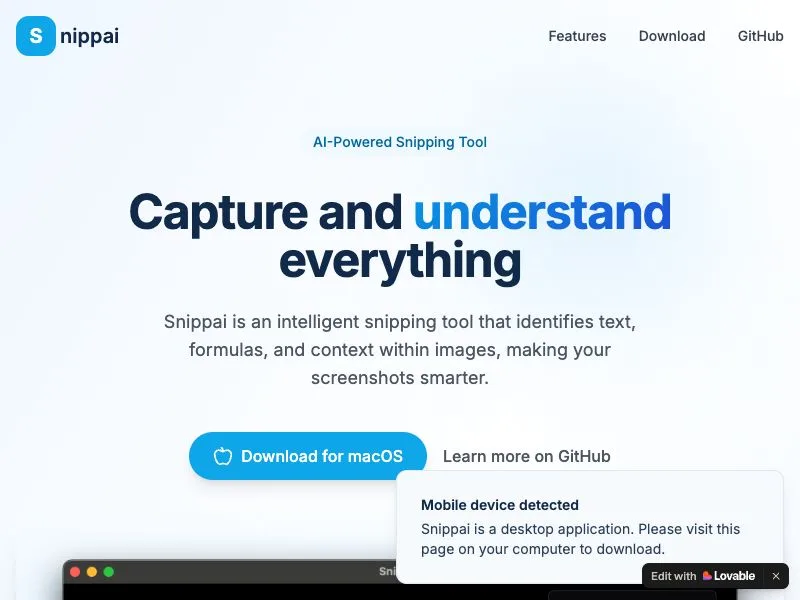
Snippai is not just a snipping tool; it's an intelligent, promptless, large model-powered solution that transforms screenshots into actionable, structured data without the user’s active input.
Snippai simplifies the complex process of data extraction. With a simple screen capture, it can accurately extract text, tables, LaTeX formulas, code snippets, and even identify colors from the screenshot. This eliminates the need for manual transcription, saving users significant time and reducing the risk of errors. For instance, researchers can quickly extract data from academic papers, developers can capture and reuse code snippets, and designers can extract color palettes with ease.
While Snippai’s capabilities go far beyond just extraction. It can perform advanced logic operations, such as analyzing text content, solving problems based on the extracted information, providing detailed explanations of the image content, and translating text into multiple languages. This makes it a versatile tool suitable for a wide range of users, from students and professionals to content creators.