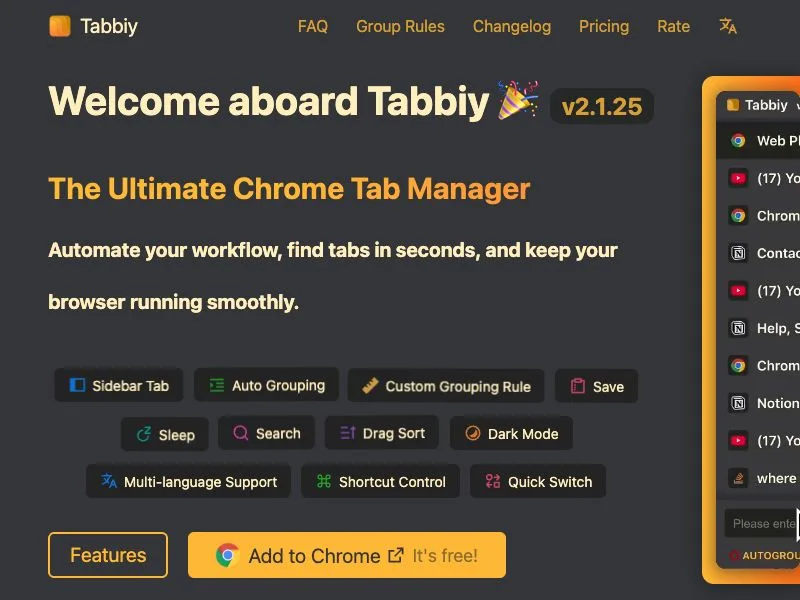
A tab manager with vertical sidebar tabs. It supports auto group, search, tab save & sleep tabs—find tabs in 1s, boost efficiency.
🎯 Why Choose Tabbiy?
✅ Offers an elegant sidepanel list to solve the problem of difficulty finding tabs when there are too many open.
✅ Can categorize tabs into designated groups based on your usage habits, making it easy to find them later.
✅ Includes a clean staging list for storing frequently used but temporarily unused tabs, reducing memory and interface space usage.
✅ Supports quick tab switching, facilitating the comparison of information across different pages.
┈┈┈┈┈┈┈┈┈┈┈┈┈┈┈┈┈┈┈┈┈┈┈┈┈┈┈┈┈┈┈┈┈
📦 Core Features
1️⃣ Sidepanel Management: Open the sidepanel list using the shortcut (ALT+D), where you can perform operations such as grouping, saving, hibernating tabs, and drag-and-drop reordering.
2️⃣ Auto-Grouping: Click the "Auto" button at the bottom of the list, and the system will automatically categorize tabs into corresponding groups based on domain names or your custom-set rules, keeping the tab bar neat and organized.(Click again to ungroup all)
3️⃣ Tab Hibernation: Click the "Hibernate" button in the bottom toolbar or list to hibernate tabs and free up memory; when you need to access them again, simply wake them up.
4️⃣ Tab Saving: Click the "Save" button in the bottom toolbar or list to store tabs in the staging list, maximizing memory release; when you need to access them again, you can restore them with one click.
5️⃣ Switch to "Recent" Tab: Use the shortcut (ALT+E) to quickly switch between the current tab and the last opened one, which is especially useful for comparing content between two tabs.
6️⃣ Personalized Settings: A comprehensive settings panel covers grouping rules, interface styles, shortcuts, and languages, helping you create a personalized tab management experience.
🌘 Tabbiy features sleek light and dark themes, with a clean and coordinated interface, ensuring a comfortable visual experience in different lighting environments.
💡 Detailed tutorials on custom grouping rules and frequently asked questions have been compiled into documents, which you can view in the settings panel.