




Great to be here! For my product, I have just shipped the ability to comment and reply when you get it.
Best Git Tools in 2026
Version control and collaboration made easy, with a collection of innovative Git tools to streamline your development workflow. Browse 13 git tools from indie makers and solo founders, ranked by upvotes.
That’s every product in this category, ranked. See the latest launches, or submit your own product.
About git tools
Git tools here support the daily mechanics of version control: graphical clients, command lookups, repository hubs, review helpers and sync utilities that treat a repository as the source of truth. Users are developers, but also writers and designers who keep notes or site exports in Git. The neighbouring categories are developer tools for general programming helpers, automation for pipelines, and productivity for note and task apps that happen to use Git underneath.
The most useful comparison is how a tool fits your existing hosting. Check which providers it works with, since support for GitHub, GitLab and self-managed servers varies. Ask where your code or metadata goes: a local-first client such as Requestly, described as a Git friendly API client, keeps data on your machine, while hosted services need your trust and your tokens. Consider how a product handles permissions, because a tool that asks for full repository access deserves scrutiny. AI helpers like Kodus, which does automated code reviews, differ in what they send to a model and how you can tune their rules. For simple jobs, a small utility such as Gitignore.io may be all you need.
Indie-built Git tools tend to solve one irritating step very well. Makers are usually users of their own product, so feedback about edge cases like large repositories or odd branching habits tends to be heard.
Frequently asked questions
How do I choose a Git client or helper?
Check supported hosts, whether it works offline, and how much repository access it requests. Try it on a throwaway repository first. A tool that does one job clearly is often easier to trust than a broad suite.
Is my code safe with third-party Git tools?
It depends on the tool. Local-first apps keep everything on your machine, while hosted ones need access tokens. Read the maker's privacy notes, grant the narrowest permissions possible and prefer read-only access when a feature does not need to write.
What is the difference between Git tools and developer tools?
Git tools deal specifically with version control, history, branches and repositories. Developer tools is the wider category covering editors, testing, debugging and other programming utilities. Many products appear in both when they touch source control.
Login streak
Community
See allSome of the projects I've been working on include: 📱 NotLate – A wellness app designed to help with overthinking and restless nights. 💰 ZapSpend – An expense tracker with receipt scanning, voice input, and CSV/PDF exports. 🚛 Trucker Diary – An iOS app built for truck drivers. 🎵 Duo Vinyl – A digital vinyl turntable experience for music lovers. As a solo developer, one of my biggest challenges isn't just building products. It's getting them discovered, attracting users, and figuring out what actually works after launch. 🌐 https://www.adribyte-studio.com/mobile-apps #IndieHacker #IndieDeveloper #iOSDevelopment #SaaS #Startup
HealthE AI helps you manage fitness and wellness with AI-driven calorie tracking, macro targets, and personalized workout recommendations. It lets you log meals by photo or text, then analyzes nutrition to set your caloric deficit and macronutrients based on goals like fat loss or muscle gain. HealthE AI also tracks hydration, offers a daily feed, and guides setup through a questionnaire so you can follow a focused plan and measure progress clearly. HealthE AI is coming soon!
Who to follow
See all- Jim Turner

16 followers
- Jacopo Penazzi

11 followers
- Sergey Pilyugin

11 followers
- Dennis

9 followers
- Atharva Wanaskar

5 followers
- Shivam Solanki
1 follower
Latest comments
See allI really enjoyed the characters and the ability to create your own makes the app feel more personal
onAfterLid1like
Maker here 👋 New: every @fuck.it user now gets a free link-in-bio page at fuck.it/@username. Like Linktree, but on the same name as your inbox. No extra subscription, no tracking pixels. Happy to answer any questions!
on@fuck.it
Sponsors
Just joined
See all- merrick S
Joined
- John Fari
Joined
- ko fo
Joined
- StellarApps Team
Joined
- WEBQ3 Gaming
Joined
- Calvin Rogers
Joined
Latest posts
See allWhy every PixelKaro tool runs in your browser
ViralCloner Requirements and Installer Steps ViralCloner documentation lists Windows 10/11 (64-bit), at least 4 GB RAM, 500 MB free space, and internet access. Install by running the setup file and following the wizard. https://viralcloner.com/documentation
Put refund information somewhere a customer can find after checkout. The product page can explain the offer; the policy page can keep what happens after a charge and where to get help in one place. This is the current ViralCloner policy page: https://viralcloner.com/refund

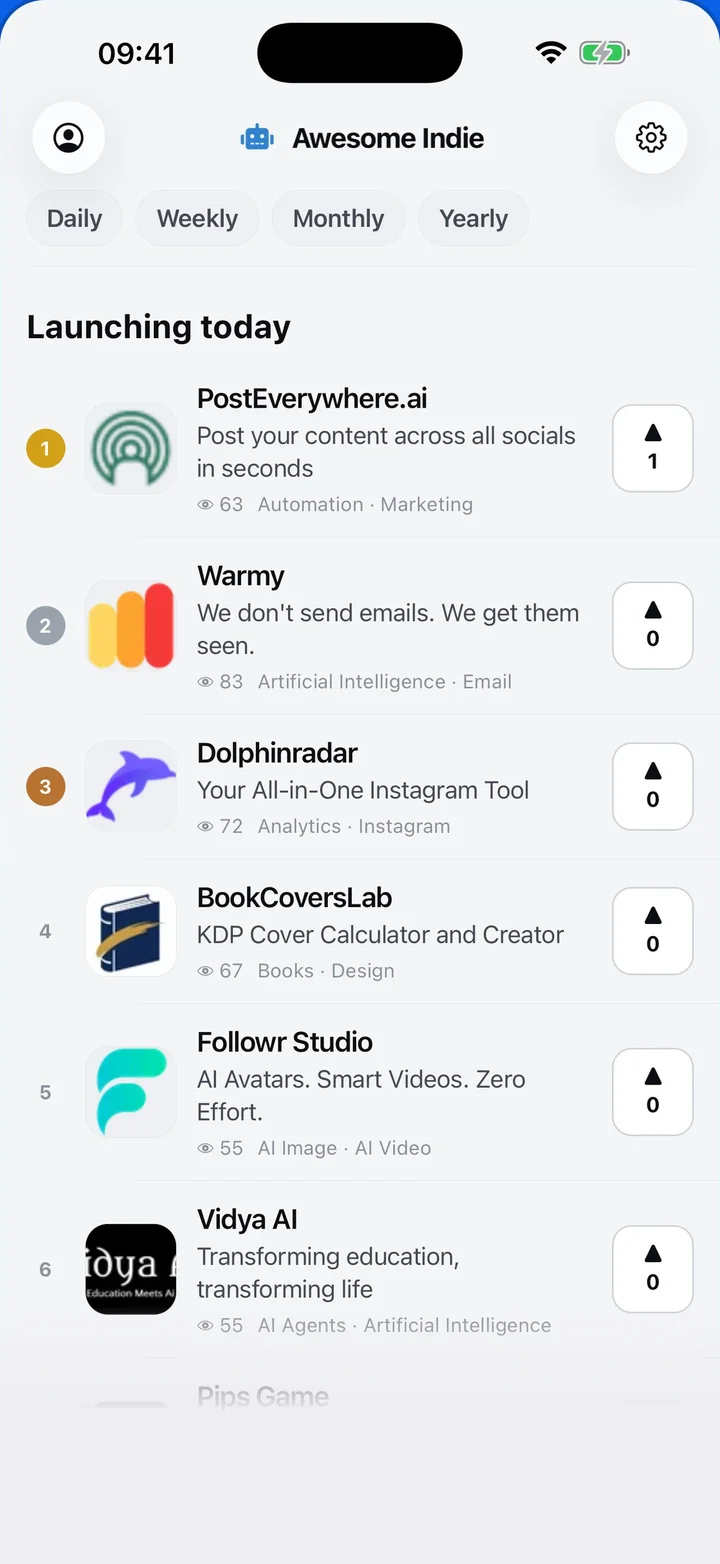
Awesome Indie
Free on iPhone and Android
Today's launches, in your pocket
Upvote, comment and follow with the account you already have.
Categories
Browse all- Daily
- Weekly
- Monthly
- Yearly
- Community
- Leaderboard
- Users
- Map
- Pricing
- App
- MCP
- Open Analytics
- Status
- About
- FAQ
- Terms
- Privacy
- Livro de Reclamações
© 2026 Awesome Indie