ViralCloner Requirements and Installer Steps ViralCloner documentation lists Windows 10/11 (64-bit), at least 4 GB RAM, 500 MB free space, and internet access. Install by running the setup file and following the wizard. https://viralcloner.com/documentation
Best Privacy Tools in 2026
Tools and resources for protecting your online identity and data. Browse 82 privacy tools from indie makers and solo founders, ranked by upvotes.




Online Password Generator
Online Password Generator - Create Strong & Secure Passwords
626views






Random Address Generator
Generate realistic fake addresses from 50+ countries instantly.
414views



That’s every product in this category, ranked. See the latest launches, or submit your own product.
Login streak
Community
See allGreat to be here! For my product, I have just shipped the ability to comment and reply when you get it.
I'm building https://pickode.com, a browser extension that copies a section of any website as code you'd actually keep. It started from something I kept doing on client work. I'd find a section I liked, open DevTools, copy the styles, and end up with a wall of computed pixels and not a single media query. Pickode reads the page's original stylesheets instead, so you get the rules the author wrote, breakpoints and hover states included. You click a section and pick a format: HTML + CSS, React, Tailwind, Vue or Astro. It also pastes into Bricks and Webflow as native elements, and builds Elementor templates. Lately I've been reworking the Bricks export. A tester on Reddit sent me a page that looked fine on desktop and fell apart on mobile, and fixing it taught me more about how Elementor handles responsive layouts than I ever wanted to know. It's free to try on Chrome and Firefox.
Who to follow
See all- Johackim

12 followers
- Mark Mancini

10 followers
- Ryan Jose

8 followers
- Cameron B Richards
7 followers
- Joe Chierotti
7 followers
- Palash Bagchi
5 followers
Latest comments
See allHi, I'm the maker of PixelKaro. I built it because students and job seekers in India keep getting stuck on forms that ask for a photo under 50 KB or a signature at an exact size. Everything runs in your browser, so your files are never uploaded, and it works in English and Hindi. It's free with no sign-up. If a tool is missing or an exact size doesn't work for your form, tell me and I'll look into it.
onPixelKaro2likes
I really enjoyed the characters and the ability to create your own makes the app feel more personal
onAfterLid1like
Maker here 👋 New: every @fuck.it user now gets a free link-in-bio page at fuck.it/@username. Like Linktree, but on the same name as your inbox. No extra subscription, no tracking pixels. Happy to answer any questions!
on@fuck.it
Sponsors
Just joined
See all- Alan Cox
Joined
- Connor Lyons
Joined
- HARSIMRAN JEET SINGH
Joined
- Petroo
Joined
- Tarek Ghani
Joined
Latest posts
See allWhite products on a white background are the hardest case for any cutout tool: the edge disappears into the backdrop, so the mask has nothing to bite on. Three things that help before you upload. Put a faint grey card behind the product. A pure white backdrop at the edges gives zero contrast; 5% grey is invisible after processing but gives the edge something to find. Light from one side. Flat frontal light flattens the very shading a segmentation model uses to separate product from backdrop. Keep the contact shadow. A soft shadow under a white sneaker stops it floating and reads as real to buyers. If all you have is a white-on-white JPEG, pull the backdrop to about 250 with a levels pass instead of 255, let the tool find the boundary, then restore true white on export. I build CleanWhiteBG (https://cleanwhitebg.com): white-fill JPG for marketplaces, transparent PNG when you need the cutout, and batch runs for whole catalogues.
Your minimalist online alarm clock, timer & stopwatch. Set instant alerts right in your browser—no downloads, no clutter, just on time. ⏰✨
Why every PixelKaro tool runs in your browser

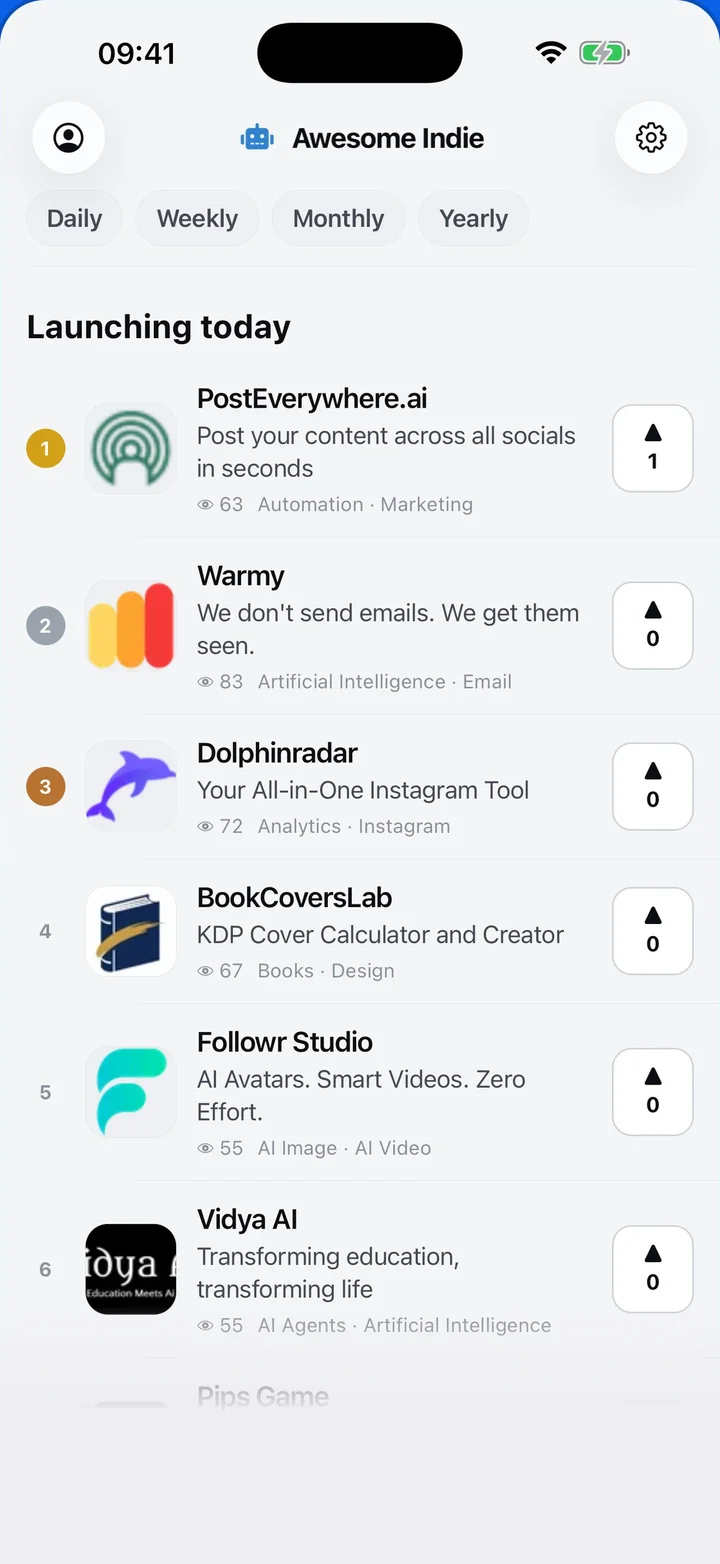
Awesome Indie
Free on iPhone and Android
Today's launches, in your pocket
Upvote, comment and follow with the account you already have.
Categories
Browse all- Daily
- Weekly
- Monthly
- Yearly
- Community
- Leaderboard
- Users
- Map
- Pricing
- App
- MCP
- Open Analytics
- Status
- About
- FAQ
- Terms
- Privacy
- Livro de Reclamações
© 2026 Awesome Indie