Great to be here! For my product, I have just shipped the ability to comment and reply when you get it.
Best Icon Sets and Tools in 2026
A curated collection of eye-catching icons to elevate your digital design. Browse 21 icon sets and tools from indie makers and solo founders, ranked by upvotes.


Resource Tuner
Edit the embedded resources of Windows executable program files
498views
AI SVG Logo Generator
Create scalable vector logos with our free AI SVG Logo Generator
374views


That’s every product in this category, ranked. See the latest launches, or submit your own product.
About icon sets and tools
Icons collects icon sets, generators and editors: handcrafted animated icons, MIT-licensed libraries such as Heroicons, symbol finders, and tools that create app, folder or logo artwork. Designers and front-end developers use them to give interfaces a consistent visual language. For broader artwork, see illustration; for vector formats, the SVG category; and for interface kits, frontend and design.
Icon sets look similar at a glance but differ in ways that matter later. Check the licence first, since permissive terms like MIT allow commercial use without attribution while others require credit or restrict redistribution. Look at the formats provided, usually SVG, font or React components, and whether weights and sizes stay consistent across the whole set. A set is only useful if it covers the icons you need, so search for your own use cases before adopting it. Animated sets like Unicorn icons add motion, which raises questions about file size and performance. AI generators, such as iconGeniusAi, can produce custom artwork, so confirm who owns the output and whether it can be used in a product.
Indie icon makers often draw their libraries to scratch their own itch, and a single designer's consistency can beat a committee's. You can usually request a missing icon directly from the person who drew the set.
Frequently asked questions
How do I choose an icon set for my project?
Check the licence, available formats, style consistency and coverage of the icons you need. Preview it inside your actual interface at the sizes you will use. SVG delivery usually offers the most flexibility.
Are free icon sets safe for commercial use?
Often, but only under the stated licence. MIT-licensed sets generally allow commercial use, while others ask for attribution or limit resale. Read the licence on the maker's page before shipping, and keep a record of it.
What is the difference between icons and illustration tools?
Icons are small, consistent symbols used in interfaces. Illustration tools create larger artwork, scenes and characters. Some products, like vector generators, serve both, which is why the two categories overlap.
Login streak
Community
See allI'm building https://pickode.com, a browser extension that copies a section of any website as code you'd actually keep. It started from something I kept doing on client work. I'd find a section I liked, open DevTools, copy the styles, and end up with a wall of computed pixels and not a single media query. Pickode reads the page's original stylesheets instead, so you get the rules the author wrote, breakpoints and hover states included. You click a section and pick a format: HTML + CSS, React, Tailwind, Vue or Astro. It also pastes into Bricks and Webflow as native elements, and builds Elementor templates. Lately I've been reworking the Bricks export. A tester on Reddit sent me a page that looked fine on desktop and fell apart on mobile, and fixing it taught me more about how Elementor handles responsive layouts than I ever wanted to know. It's free to try on Chrome and Firefox.
Some of the projects I've been working on include: 📱 NotLate – A wellness app designed to help with overthinking and restless nights. 💰 ZapSpend – An expense tracker with receipt scanning, voice input, and CSV/PDF exports. 🚛 Trucker Diary – An iOS app built for truck drivers. 🎵 Duo Vinyl – A digital vinyl turntable experience for music lovers. As a solo developer, one of my biggest challenges isn't just building products. It's getting them discovered, attracting users, and figuring out what actually works after launch. 🌐 https://www.adribyte-studio.com/mobile-apps #IndieHacker #IndieDeveloper #iOSDevelopment #SaaS #Startup
Who to follow
See all- Vatsal Upadhyay

13 followers
- Ivan Theodoulou

13 followers
- Cavid Kerimov
10 followers
- Mathilde Néau
10 followers
- Monti Sharma
6 followers
- Ranjna Goyal

5 followers
Latest comments
See allI really enjoyed the characters and the ability to create your own makes the app feel more personal
onAfterLid1like
Maker here 👋 New: every @fuck.it user now gets a free link-in-bio page at fuck.it/@username. Like Linktree, but on the same name as your inbox. No extra subscription, no tracking pixels. Happy to answer any questions!
on@fuck.it
Sponsors
Just joined
See all- Nick Perry
Joined
- 卜代文
Joined
- Morse Zone
Joined
- chengshu chen
Joined
- Content Aware Scale
Joined
- 廖志超
Joined
Latest posts
See allWhy every PixelKaro tool runs in your browser
ViralCloner Requirements and Installer Steps ViralCloner documentation lists Windows 10/11 (64-bit), at least 4 GB RAM, 500 MB free space, and internet access. Install by running the setup file and following the wizard. https://viralcloner.com/documentation
Put refund information somewhere a customer can find after checkout. The product page can explain the offer; the policy page can keep what happens after a charge and where to get help in one place. This is the current ViralCloner policy page: https://viralcloner.com/refund

Awesome Indie
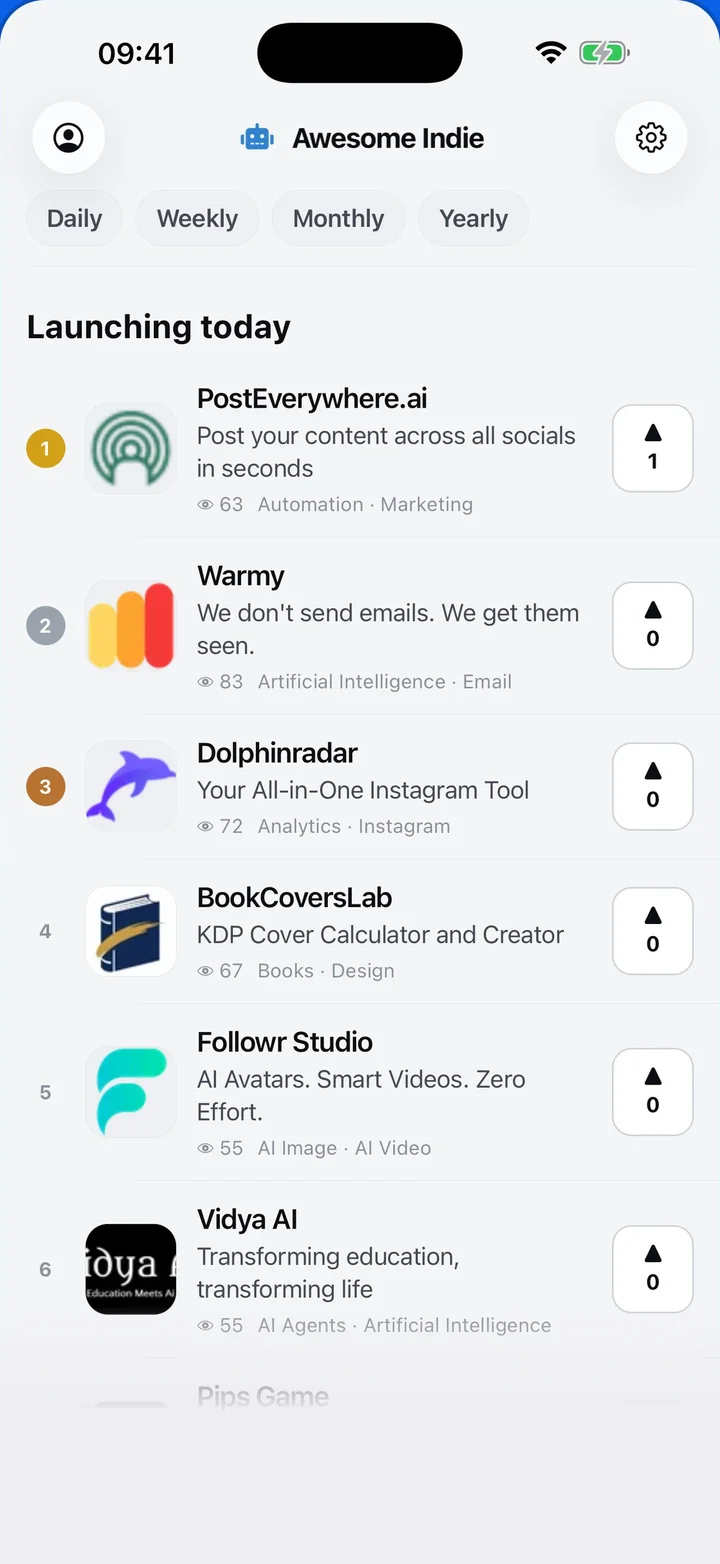
Free on iPhone and Android
Today's launches, in your pocket
Upvote, comment and follow with the account you already have.
Categories
Browse all- Daily
- Weekly
- Monthly
- Yearly
- Community
- Leaderboard
- Users
- Map
- Pricing
- App
- MCP
- Open Analytics
- Status
- About
- FAQ
- Terms
- Privacy
- Livro de Reclamações
© 2026 Awesome Indie