Your minimalist online alarm clock, timer & stopwatch. Set instant alerts right in your browser—no downloads, no clutter, just on time. ⏰✨
Best Animation Tools in 2026
Bring your creative visions to life with these innovative animation tools and platforms. Browse 59 animation tools from indie makers and solo founders, ranked by upvotes.









React Spring visualizer
The missing visualizer for your react-spring UI animations
2,664views


That’s every product in this category, ranked. See the latest launches, or submit your own product.
In numbers · State of Indie, November 2026
Compare every category- can be used for free (free or freemium)
- 78%
- can be used for free (free or freemium)
- present themselves as AI products
- 56%
- present themselves as AI products
- ship on Web
- 98%
- ship on Web
- have five or more look-alikes
- 56%
- have five or more look-alikes
About animation tools
This is where motion lives: pixel art editors, animated icons, GIF makers, short video creators and places to find motion design inspiration. Designers, indie game makers, front-end developers and people making greetings or social posts all use them. It sits next to video, design and AI image, and the dividing line is whether the output is a moving graphic or asset rather than a full edited film. PixelCraft, a pixel art editor, and Unicorn icons, a set of handcrafted animated icons, show two quite different ends of the range.
When comparing products, start with what you need to hand over at the end. Web work wants lightweight formats that load fast and respect reduced-motion settings; social posts want GIF or short video; games want sprite sheets. Check which formats can be exported and whether files carry a watermark on the free plan. Think about whether you want to draw frame by frame or work with ready-made assets and timelines. Licensing is easy to overlook: can the icons or templates be used in client work and commercial products?
Indie animation tools are often made by people who animate themselves, so the interface tends to suit a specific craft rather than a whole studio. That shows in details like keyboard shortcuts and export options. Fewer features can be a plus when you only need to ship one loop.
Frequently asked questions
What format should I export an animation in?
Use a vector or compact format for web interfaces, GIF or short video for social posts, and sprite sheets for games. Check that the tool exports the one you need and whether the free plan adds a watermark.
What is the difference between animation and video tools?
Animation tools create motion graphics, loops and assets from scratch or from drawings. Video tools edit and assemble recorded footage. Some products do both, so look at the editing model each one uses.
Can I use animated icons and templates commercially?
Often yes, but check the license. Some allow use in client and product work, others only personal projects or require credit. Read the terms before shipping anything to a customer.
Login streak
Community
See allWhy every PixelKaro tool runs in your browser
ViralCloner Requirements and Installer Steps ViralCloner documentation lists Windows 10/11 (64-bit), at least 4 GB RAM, 500 MB free space, and internet access. Install by running the setup file and following the wizard. https://viralcloner.com/documentation
Who to follow
See all- Andrew Roberts

8 followers
- Annuai

8 followers
- Gustavo Silva

8 followers
- Timofej Golobokov

7 followers
- Atharva Wanaskar
5 followers
- Faizal Sukaimi
1 follower
Latest comments
See allHi, I'm the maker of PixelKaro. I built it because students and job seekers in India keep getting stuck on forms that ask for a photo under 50 KB or a signature at an exact size. Everything runs in your browser, so your files are never uploaded, and it works in English and Hindi. It's free with no sign-up. If a tool is missing or an exact size doesn't work for your form, tell me and I'll look into it.
onPixelKaro2likes
I really enjoyed the characters and the ability to create your own makes the app feel more personal
onAfterLid1like
Maker here 👋 New: every @fuck.it user now gets a free link-in-bio page at fuck.it/@username. Like Linktree, but on the same name as your inbox. No extra subscription, no tracking pixels. Happy to answer any questions!
on@fuck.it
Sponsors
Just joined
See all- Ricardo Sousa
Joined
- Sergi Ruiz
Joined
- Viking Anvil
Joined
- m4d smith
Joined
- Andy

Joined
- Luke Nelson
Joined
Latest posts
See allNews for RosarioSIS, the free Student Information System: we have a new plugin! Responsive List Unfold: https://gitlab.com/francoisjacquet/ResponsiveListUnfold/ Puts an "Unfold List" button below lists to unfold / expand them (on smartphones or small screens only). Try it on the demo: https://www.rosariosis.org/demo/
⏳ Time is the most valuable gift you have! Once time passes, no amount of money can bring it back. 💯 Don't waste your precious seconds waiting for the perfect moment. Start today, work for your dreams, and make every moment count! 🚀 Remember: You can earn money again, but you can never earn back lost time. ⏰ Make Every Second Count! #TimeIsPrecious #Motivation #TimeManagement #LifeQuotes #MakeEverySecondCount #ClockZoo
White products on a white background are the hardest case for any cutout tool: the edge disappears into the backdrop, so the mask has nothing to bite on. Three things that help before you upload. Put a faint grey card behind the product. A pure white backdrop at the edges gives zero contrast; 5% grey is invisible after processing but gives the edge something to find. Light from one side. Flat frontal light flattens the very shading a segmentation model uses to separate product from backdrop. Keep the contact shadow. A soft shadow under a white sneaker stops it floating and reads as real to buyers. If all you have is a white-on-white JPEG, pull the backdrop to about 250 with a levels pass instead of 255, let the tool find the boundary, then restore true white on export. I build CleanWhiteBG (https://cleanwhitebg.com): white-fill JPG for marketplaces, transparent PNG when you need the cutout, and batch runs for whole catalogues.

Awesome Indie
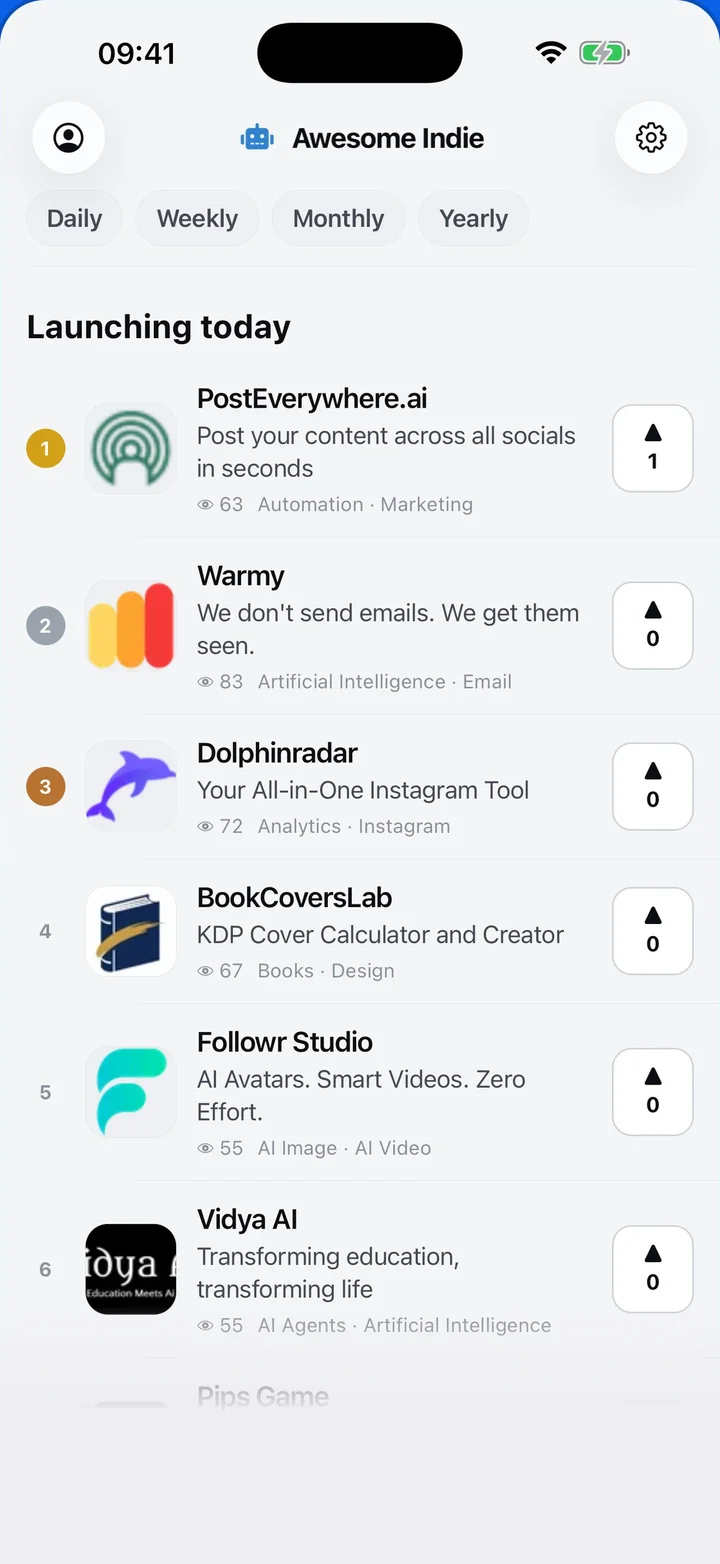
Free on iPhone and Android
Today's launches, in your pocket
Upvote, comment and follow with the account you already have.
Categories
Browse all- Daily
- Weekly
- Monthly
- Yearly
- Community
- Leaderboard
- Users
- Map
- Pricing
- App
- MCP
- Open Analytics
- Status
- About
- FAQ
- Terms
- Privacy
- Livro de Reclamações
© 2026 Awesome Indie