









@focus-read is now on v2.6 with 15+ language support, theme specifically for OLED screens, and features to help you read without distractions.
Best Restaurant Tools in 2026
Simplify your restaurant operations with these innovative solutions designed to streamline menu management, table reservations, and more. Browse 13 restaurant tools from indie makers and solo founders, ranked by upvotes.
That’s every product in this category, ranked. See the latest launches, or submit your own product.
About restaurant tools
Restaurant tools support the business side of feeding people: digital and QR menus, online ordering, table reservations, delivery and discovery. The users are owners and managers of small restaurants, cafes and bars, plus the diners who find them. This category overlaps with delivery, travel, payments and QR code tools, since a menu code, an order and a payment are often parts of one flow. Some products also help consumers, like finding wineries near you.
For a restaurant, the first thing to compare is how much of the process the tool takes over. A QR menu replaces printed cards, while an ordering system handles the full cycle from basket to kitchen. Check whether you pay a monthly fee or a commission on each order, since commissions can quietly eat into thin margins. Look at how menus are edited, whether changes appear instantly, whether it supports several languages and how it connects to payments and delivery. Make sure customers can order without creating an account. MenuLook offers digital and QR menus, Foodizone covers online ordering and delivery, and Femente helps you find wineries near you, showing both operator and diner sides.
Indie restaurant tools are often built by people with family or friends in hospitality. They understand how little time an owner has during service, and they keep setup quick.
Frequently asked questions
What should a small restaurant look for in an online ordering system?
Compare monthly fees against per order commissions, how easily you can edit the menu, payment options and delivery support. Check that guests can order without an account and that the system works well on phones. Ask how you can export your data.
Is a QR menu enough, or do I need an ordering system?
A QR menu replaces printed menus and is simple to set up. An ordering system also takes orders and payments, so it saves staff time. Start with a menu if you only need convenience and add ordering when volume justifies it.
Do restaurant tools charge commissions?
Some do, taking a percentage of each order, while others charge a flat subscription. Calculate the cost at your expected order volume, since commissions can exceed a fixed fee quickly. Check the terms for payment processing fees too.
Login streak
Community
See allNews for RosarioSIS, the free Student Information System: we have a new plugin! Responsive List Unfold: https://gitlab.com/francoisjacquet/ResponsiveListUnfold/ Puts an "Unfold List" button below lists to unfold / expand them (on smartphones or small screens only). Try it on the demo: https://www.rosariosis.org/demo/
Why every PixelKaro tool runs in your browser
Who to follow
See all- Dennis

11 followers
- Evan Yu

9 followers
- Karan Gupta

9 followers
- Max Coupland
8 followers
- Vaclav Vlasek

7 followers
- Jasen Fici
3 followers
Latest comments
See allHi, I'm the maker of PixelKaro. I built it because students and job seekers in India keep getting stuck on forms that ask for a photo under 50 KB or a signature at an exact size. Everything runs in your browser, so your files are never uploaded, and it works in English and Hindi. It's free with no sign-up. If a tool is missing or an exact size doesn't work for your form, tell me and I'll look into it.
onPixelKaro2likes
I really enjoyed the characters and the ability to create your own makes the app feel more personal
onAfterLid1like
Maker here 👋 New: every @fuck.it user now gets a free link-in-bio page at fuck.it/@username. Like Linktree, but on the same name as your inbox. No extra subscription, no tracking pixels. Happy to answer any questions!
on@fuck.it
 Ad

Know your site is down before your users do
50 free monitors, no cardStart free
 Ad

Site analytics that finally feel simple
Free forever plan, no cardStart free
Promote your startup here
Reach makers browsing new launches every day, on every page of the site.
Logo, a line of copy and a linkAdvertise
Just joined
See all- Anay Shah
Joined
- ScopliDrop
Joined
- Muhammad Sumon
Joined
- 최원
Joined
- Dan Birch
Joined
- abhirahtech
Joined
Latest posts
See allA cheap test for a 360° background: save two camera bookmarks before you change the art. At the first bookmark, turn in place across the image wrap. If a ridge jumps or the sky changes brightness suddenly, inspect the join in the source and the import settings. At the second bookmark, walk sideways without turning. If a background building looks as if it sits just behind a fence but never shifts relative to the horizon, try replacing it with more distant scenery or putting it in the actual level. Keep the camera settings fixed when you compare alternatives. The two moves answer different questions; fixing a seam won’t fix a misleading sense of distance. I work on Skybox Generator, a browser tool for drafting panoramas: https://skyboxgenerator.org/ — this note was written with AI assistance.
I built Corplox to make international trade statistics easier to find and compare. Feedback is welcome. https://corplox.net/
Check which export the preview is showing A review folder and a delivery folder can both contain cover.png. Put the folder name beside the preview so the reviewer can tell which copy is open. Open the file from the folder you plan to share. Look for one detail you expected to change, such as a newly visible edge after a crop. If the preview still looks like the old export, open the delivered file by name before changing the export settings again.

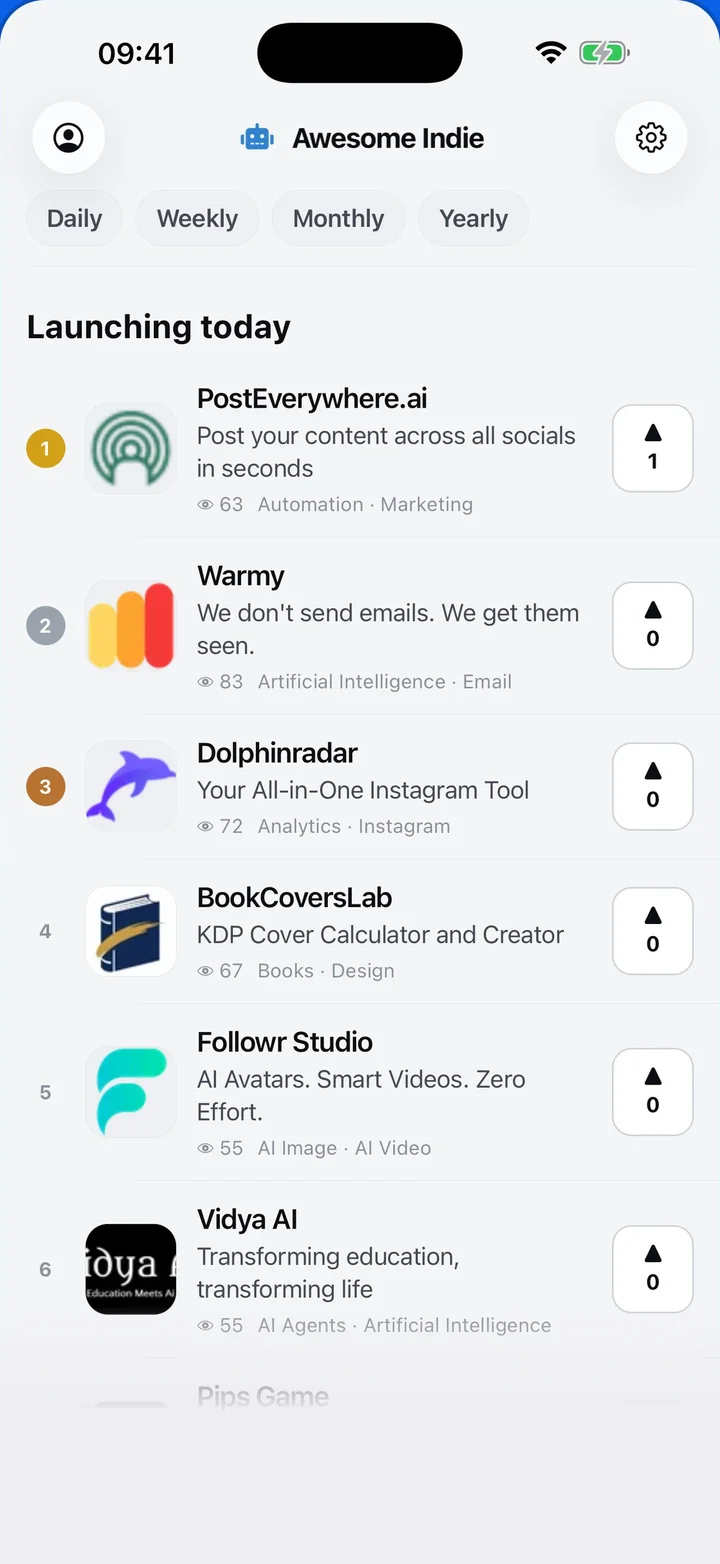
Awesome Indie
Free on iPhone and Android
Today's launches, in your pocket
Upvote, comment and follow with the account you already have.
Categories
Browse all- Daily
- Weekly
- Monthly
- Yearly
- Community
- Leaderboard
- Users
- Map
- Pricing
- App
- MCP
- Where to launch
- Open Analytics
- Status
- About
- FAQ
- Terms
- Privacy
- Livro de Reclamações
© 2026 Awesome Indie