








Why every PixelKaro tool runs in your browser
Best Streaming Tools in 2026
A wide range of streaming services and tools to help you broadcast your content to the world. Browse 20 streaming tools from indie makers and solo founders, ranked by upvotes.
That’s every product in this category, ranked. See the latest launches, or submit your own product.
About streaming tools
Streaming on Awesome Indie means getting video, audio and files to an audience: players, hosting platforms, guides to what is on where, and quick sharing tools. VPlayed describes itself as an OTT platform for streaming, Podvine is a YouTube-style home for podcasts, Where can I watch this? points to services showing a given movie, and SpectrShare lets you drop files and share them. Video editing is covered in the video category, films and series in movies, and privacy products often appear too.
Pick based on what you are streaming and who watches. A creator broadcasting live needs low delay, stable ingest and chat, while a catalogue of on-demand video cares more about encoding, storage and playback on every device. Check whether the platform lets you use your own domain, how it handles subscriptions or ads, and what it charges for bandwidth, since viewership can raise costs quickly. For viewers, the questions are regions covered, accuracy of the listings and whether the tool tracks your activity.
Indie streaming products tend to focus on a niche that the large platforms ignore, such as a particular kind of creator or a simple way to share. The maker is usually reachable if something breaks. Each product is reviewed before launch, and ranking comes only from community upvotes.
Frequently asked questions
What should I check before choosing a streaming platform?
Look at latency for live content, supported devices, storage and bandwidth pricing, and whether you can brand or monetize your channel. Test playback on phones and TVs, not only on your computer.
Does this category include services for watching movies?
It includes guides and tools for finding where to watch, as well as platforms for hosting your own content. Film and series discovery also overlaps with the movies category.
Can I stream privately to a small audience?
Some products offer private links, passwords or invite-only access. Check the sharing options and whether files expire, and read how long the service keeps what you upload.
Login streak
Community
See allViralCloner Requirements and Installer Steps ViralCloner documentation lists Windows 10/11 (64-bit), at least 4 GB RAM, 500 MB free space, and internet access. Install by running the setup file and following the wizard. https://viralcloner.com/documentation
Great to be here! For my product, I have just shipped the ability to comment and reply when you get it.
Who to follow
See all- ibrahim murat gunduz

16 followers
- Artyom Devgopol

16 followers
- Rohan Verma

16 followers
- Albertina Geller
15 followers
- Isabelle Sargood

7 followers
- Mark okiki

7 followers
Latest comments
See allHi, I'm the maker of PixelKaro. I built it because students and job seekers in India keep getting stuck on forms that ask for a photo under 50 KB or a signature at an exact size. Everything runs in your browser, so your files are never uploaded, and it works in English and Hindi. It's free with no sign-up. If a tool is missing or an exact size doesn't work for your form, tell me and I'll look into it.
onPixelKaro2likes
I really enjoyed the characters and the ability to create your own makes the app feel more personal
onAfterLid1like
Maker here 👋 New: every @fuck.it user now gets a free link-in-bio page at fuck.it/@username. Like Linktree, but on the same name as your inbox. No extra subscription, no tracking pixels. Happy to answer any questions!
on@fuck.it
Sponsors
Just joined
See all- FlashIP
Joined
- Digidrive
Joined
- Olivia Bennett
Joined
- Sanjay Kumar
Joined
- Vidur Saini
Joined
- Zakaria Mehbi
Joined
Latest posts
See all⏳ Time is the most valuable gift you have! Once time passes, no amount of money can bring it back. 💯 Don't waste your precious seconds waiting for the perfect moment. Start today, work for your dreams, and make every moment count! 🚀 Remember: You can earn money again, but you can never earn back lost time. ⏰ Make Every Second Count! #TimeIsPrecious #Motivation #TimeManagement #LifeQuotes #MakeEverySecondCount #ClockZoo
White products on a white background are the hardest case for any cutout tool: the edge disappears into the backdrop, so the mask has nothing to bite on. Three things that help before you upload. Put a faint grey card behind the product. A pure white backdrop at the edges gives zero contrast; 5% grey is invisible after processing but gives the edge something to find. Light from one side. Flat frontal light flattens the very shading a segmentation model uses to separate product from backdrop. Keep the contact shadow. A soft shadow under a white sneaker stops it floating and reads as real to buyers. If all you have is a white-on-white JPEG, pull the backdrop to about 250 with a levels pass instead of 255, let the tool find the boundary, then restore true white on export. I build CleanWhiteBG (https://cleanwhitebg.com): white-fill JPG for marketplaces, transparent PNG when you need the cutout, and batch runs for whole catalogues.
Your minimalist online alarm clock, timer & stopwatch. Set instant alerts right in your browser—no downloads, no clutter, just on time. ⏰✨

Awesome Indie
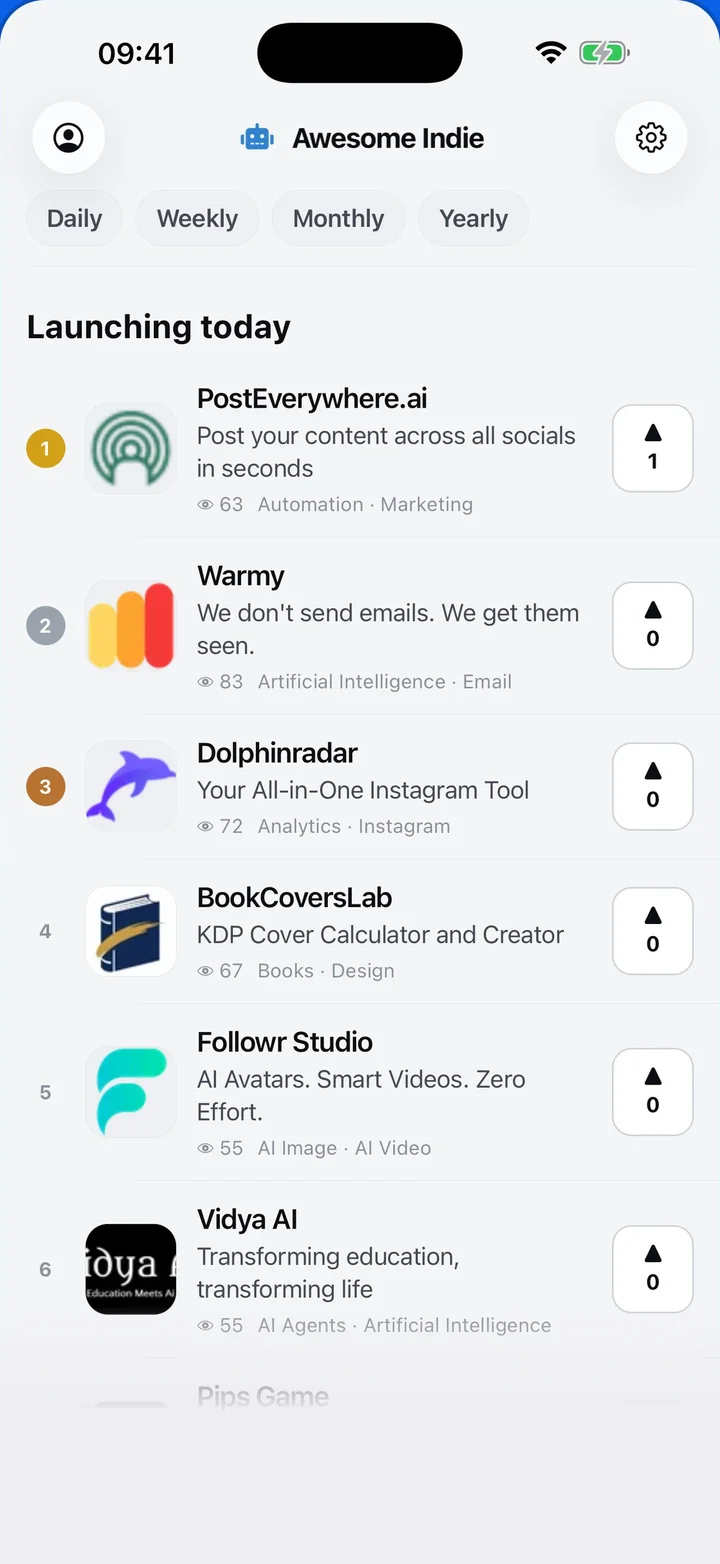
Free on iPhone and Android
Today's launches, in your pocket
Upvote, comment and follow with the account you already have.
Categories
Browse all- Daily
- Weekly
- Monthly
- Yearly
- Community
- Leaderboard
- Users
- Map
- Pricing
- App
- MCP
- Open Analytics
- Status
- About
- FAQ
- Terms
- Privacy
- Livro de Reclamações
© 2026 Awesome Indie