Great to be here! For my product, I have just shipped the ability to comment and reply when you get it.
Best QR Code Tools in 2026
Easily generate and track unique QR codes for your projects with these innovative tools. Browse 29 QR code tools from indie makers and solo founders, ranked by upvotes.




Hop2 URL Shortener
Powerful URL shortener with A/B testing, QR codes, analytics, and more
2,026views


That’s every product in this category, ranked. See the latest launches, or submit your own product.
About QR code tools
QR code tools generate scannable codes and often track what happens when someone scans them. The category includes code generators, link shorteners with analytics and A/B testing, digital menu platforms and file converters that happen to produce codes. The users are marketers, restaurant owners, event organizers and anyone printing something that should lead to a web page. It overlaps with analytics for tracking, marketing for campaigns, restaurant for menus and audio for the occasional sound related use.
The key distinction is between static and dynamic codes. A static code holds the destination itself and can never change, while a dynamic code points to a short link you can edit later and measure. If the code goes on printed material, dynamic is usually safer, but check what happens to the codes if you stop paying, since a dead link on a thousand flyers is costly. Also look at scan analytics, custom domains, design options like colors and logos, and the quality of the output for printing, including vector formats. Link Shortener IO shortens, tracks and shares links, MenuLook provides digital and QR menus, and iFormat.io is a free online file converter.
Indie QR tools tend to be fast and uncluttered. You can often generate a code without an account, and the maker is easy to reach if a feature is missing.
Frequently asked questions
What is the difference between static and dynamic QR codes?
A static code encodes the destination directly and cannot be changed. A dynamic code points to a redirect you control, so you can update the destination and see scan statistics. Dynamic suits printed material, but check what happens if the subscription ends.
Are free QR code generators safe to use?
Static codes from a trustworthy generator are safe because they simply encode your link. Be careful with free dynamic codes, since the service controls the redirect and could change or remove it. Test the code before printing.
What format should I use for a printed QR code?
Use a vector format such as SVG or PDF when possible, so it stays sharp at any size. Keep strong contrast, leave a blank margin around it and test scans on several phones before printing a large run.
Login streak
Community
See allSome of the projects I've been working on include: 📱 NotLate – A wellness app designed to help with overthinking and restless nights. 💰 ZapSpend – An expense tracker with receipt scanning, voice input, and CSV/PDF exports. 🚛 Trucker Diary – An iOS app built for truck drivers. 🎵 Duo Vinyl – A digital vinyl turntable experience for music lovers. As a solo developer, one of my biggest challenges isn't just building products. It's getting them discovered, attracting users, and figuring out what actually works after launch. 🌐 https://www.adribyte-studio.com/mobile-apps #IndieHacker #IndieDeveloper #iOSDevelopment #SaaS #Startup
HealthE AI helps you manage fitness and wellness with AI-driven calorie tracking, macro targets, and personalized workout recommendations. It lets you log meals by photo or text, then analyzes nutrition to set your caloric deficit and macronutrients based on goals like fat loss or muscle gain. HealthE AI also tracks hydration, offers a daily feed, and guides setup through a questionnaire so you can follow a focused plan and measure progress clearly. HealthE AI is coming soon!
Who to follow
See all- Alexander Isora 🦄
15 followers
- Michael A Ramirez

13 followers
- Mike Lee

9 followers
- Endre Sajtos

8 followers
- Rohit Kumar

8 followers
- Caroline White

4 followers
Latest comments
See allI really enjoyed the characters and the ability to create your own makes the app feel more personal
onAfterLid1like
Maker here 👋 New: every @fuck.it user now gets a free link-in-bio page at fuck.it/@username. Like Linktree, but on the same name as your inbox. No extra subscription, no tracking pixels. Happy to answer any questions!
on@fuck.it
Sponsors
Just joined
See all- RAED ALQAHTANI
Joined
- NyoriPay
Joined
- Axis Wang
Joined
- SEO Commera SEO
Joined
- Marius Stiuriuc
Joined
- Alex Resolvary
Joined
Latest posts
See allWhy every PixelKaro tool runs in your browser
ViralCloner Requirements and Installer Steps ViralCloner documentation lists Windows 10/11 (64-bit), at least 4 GB RAM, 500 MB free space, and internet access. Install by running the setup file and following the wizard. https://viralcloner.com/documentation
Put refund information somewhere a customer can find after checkout. The product page can explain the offer; the policy page can keep what happens after a charge and where to get help in one place. This is the current ViralCloner policy page: https://viralcloner.com/refund

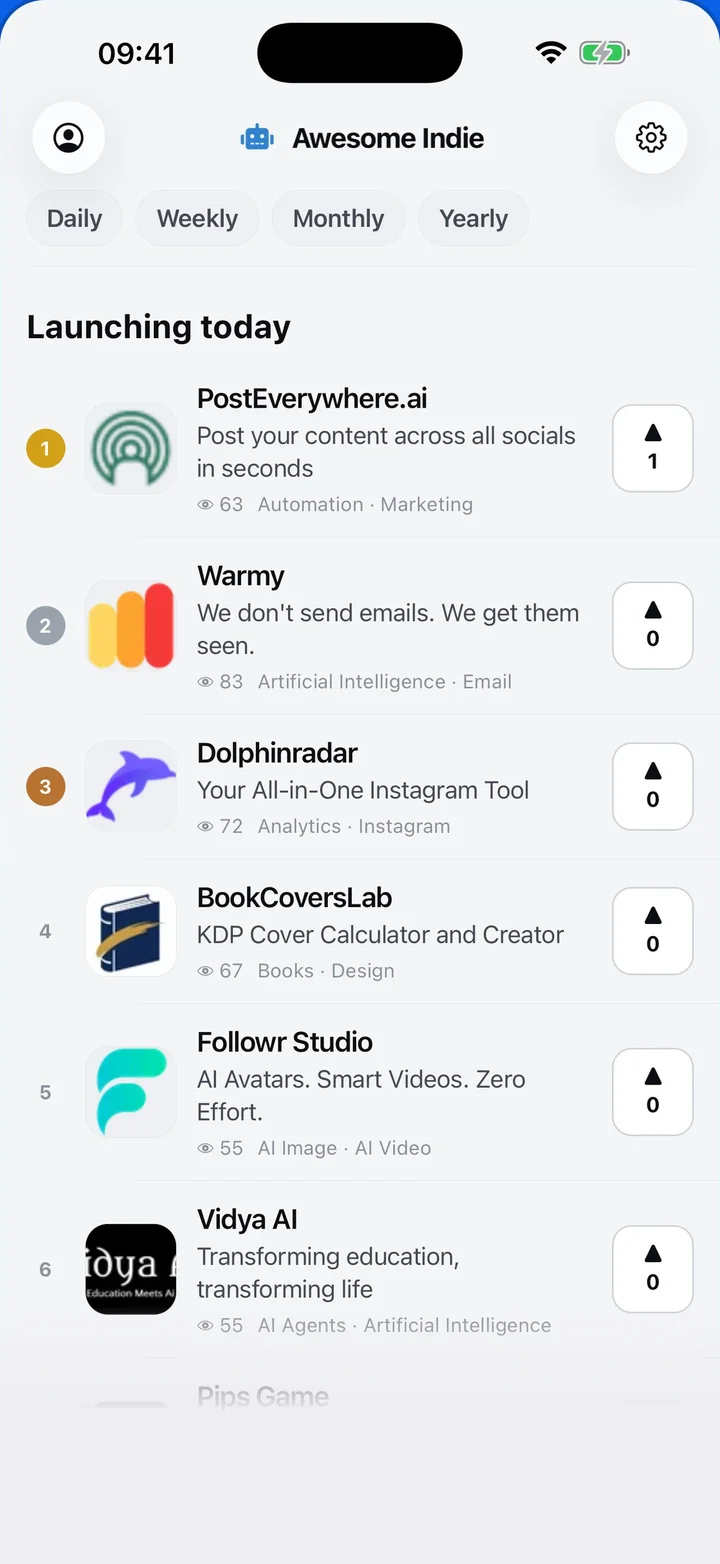
Awesome Indie
Free on iPhone and Android
Today's launches, in your pocket
Upvote, comment and follow with the account you already have.
Categories
Browse all- Daily
- Weekly
- Monthly
- Yearly
- Community
- Leaderboard
- Users
- Map
- Pricing
- App
- MCP
- Open Analytics
- Status
- About
- FAQ
- Terms
- Privacy
- Livro de Reclamações
© 2026 Awesome Indie