


Great to be here! For my product, I have just shipped the ability to comment and reply when you get it.
Best Linux Tools in 2026
A collection of innovative Linux-based projects and tools that showcase the power of open-source software.
That’s every product in this category, ranked. See the latest launches, or submit your own product.
About linux tools
Linux tools here are small and practical: a calculator for file permissions, a server status and SSH client for iOS and macOS, and a guide to taking web applications to production servers. They are used by system administrators, backend developers and hobbyists running their own machines. The category is small, and neighbouring categories like system administration, terminal, backend and developer tools hold related products.
With so few entries, it helps to know how to judge a Linux product generally. Check which distributions and versions it supports, and whether it is a command line program, a desktop app or a web page. For tools that touch servers, such as ShellBean, ask how credentials and keys are stored, since an SSH app holds access to real machines. Look at whether a utility works offline and whether it is open source, so you can read what it does. Reference tools like Chmod Calculator are only as good as their accuracy, so compare results with the manual page when it matters. For learning material such as Deployment from Scratch, check that its steps match the current versions you use.
Indie makers working with Linux are often administrators who built something for themselves first. You get practical tools, honest scope and maintainers who understand the trade-offs of running servers.
Frequently asked questions
How do I choose a Linux tool or server app?
Check supported distributions, whether it is open source, how it stores credentials and whether it works offline. For tools that connect to servers, prefer clear security practices and the narrowest permissions needed.
Is it safe to use an SSH app with my servers?
It can be, if the app stores keys securely on your device and is transparent about what it sends. Use separate keys with limited access, enable key passphrases and review the maker's privacy details before connecting production machines.
What is the difference between Linux and system administration tools?
Linux tools are specific to the operating system and its commands, permissions and packages. System administration is broader, covering monitoring, backups and server management across platforms. Many products fall in both.
Login streak
Community
See allSome of the projects I've been working on include: 📱 NotLate – A wellness app designed to help with overthinking and restless nights. 💰 ZapSpend – An expense tracker with receipt scanning, voice input, and CSV/PDF exports. 🚛 Trucker Diary – An iOS app built for truck drivers. 🎵 Duo Vinyl – A digital vinyl turntable experience for music lovers. As a solo developer, one of my biggest challenges isn't just building products. It's getting them discovered, attracting users, and figuring out what actually works after launch. 🌐 https://www.adribyte-studio.com/mobile-apps #IndieHacker #IndieDeveloper #iOSDevelopment #SaaS #Startup
HealthE AI helps you manage fitness and wellness with AI-driven calorie tracking, macro targets, and personalized workout recommendations. It lets you log meals by photo or text, then analyzes nutrition to set your caloric deficit and macronutrients based on goals like fat loss or muscle gain. HealthE AI also tracks hydration, offers a daily feed, and guides setup through a questionnaire so you can follow a focused plan and measure progress clearly. HealthE AI is coming soon!
Who to follow
See all- Laura Jorde

16 followers
- Rudy Walgraef

12 followers
- Troy Lair

11 followers
- Mathilde Néau
10 followers
- Miguel Mascarenhas

9 followers
- Jafar Najafov
6 followers
Latest comments
See allI really enjoyed the characters and the ability to create your own makes the app feel more personal
onAfterLid1like
Maker here 👋 New: every @fuck.it user now gets a free link-in-bio page at fuck.it/@username. Like Linktree, but on the same name as your inbox. No extra subscription, no tracking pixels. Happy to answer any questions!
on@fuck.it
Sponsors
Just joined
See all- RAED ALQAHTANI
Joined
- NyoriPay
Joined
- Axis Wang
Joined
- SEO Commera SEO
Joined
- Marius Stiuriuc
Joined
- Alex Resolvary
Joined
Latest posts
See allWhy every PixelKaro tool runs in your browser
ViralCloner Requirements and Installer Steps ViralCloner documentation lists Windows 10/11 (64-bit), at least 4 GB RAM, 500 MB free space, and internet access. Install by running the setup file and following the wizard. https://viralcloner.com/documentation
Put refund information somewhere a customer can find after checkout. The product page can explain the offer; the policy page can keep what happens after a charge and where to get help in one place. This is the current ViralCloner policy page: https://viralcloner.com/refund

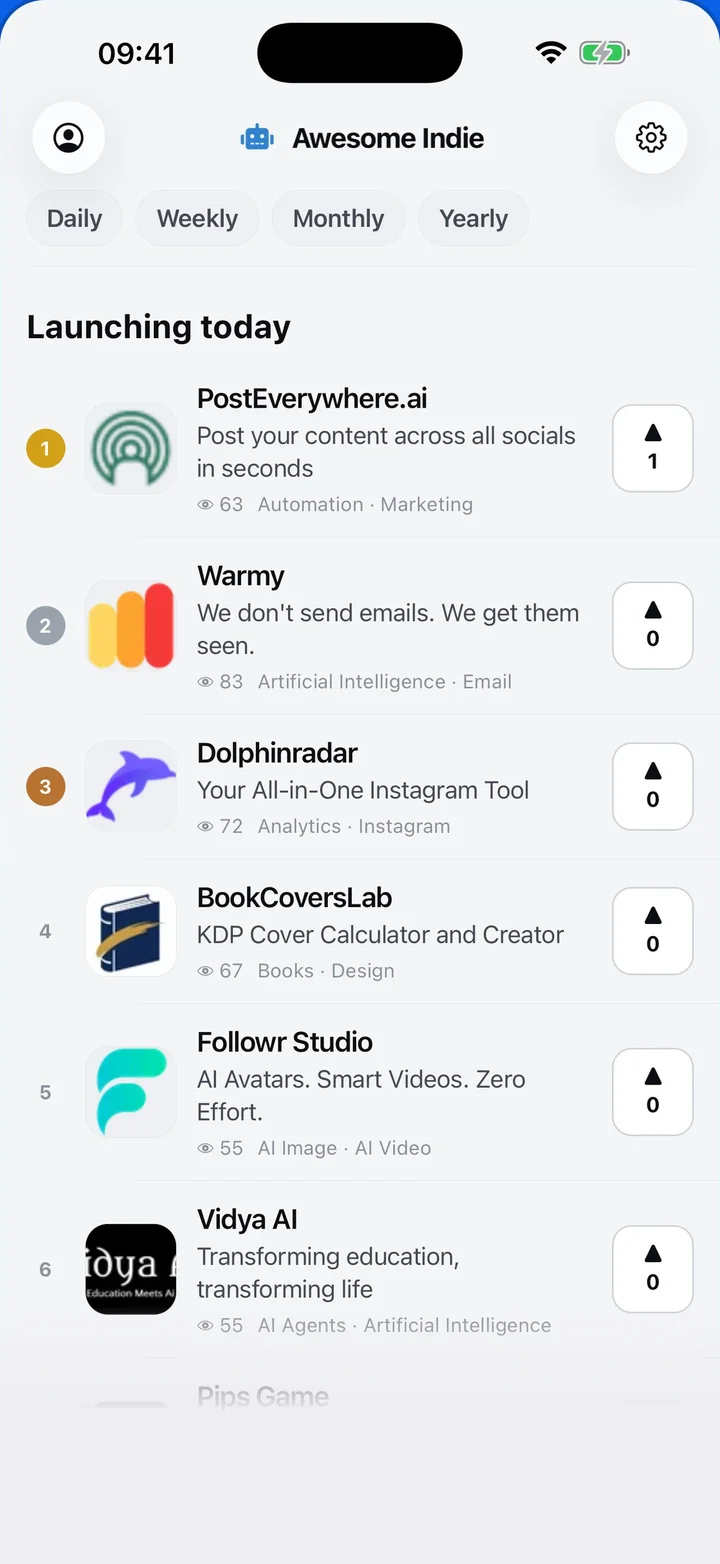
Awesome Indie
Free on iPhone and Android
Today's launches, in your pocket
Upvote, comment and follow with the account you already have.
Categories
Browse all- Daily
- Weekly
- Monthly
- Yearly
- Community
- Leaderboard
- Users
- Map
- Pricing
- App
- MCP
- Open Analytics
- Status
- About
- FAQ
- Terms
- Privacy
- Livro de Reclamações
© 2026 Awesome Indie